What gets measured gets improved!
We know that monitoring patient care levels is essential. Now, with access to detailed reports, your team can further optimize these processes.
Our new Advanced Analytics feature is designed to solve these problems and provide you with valuable information.
👉 To clarify any questions, we recommend reviewing the frequently asked questions found at the end of this document.
How do I access Advanced Analytics?
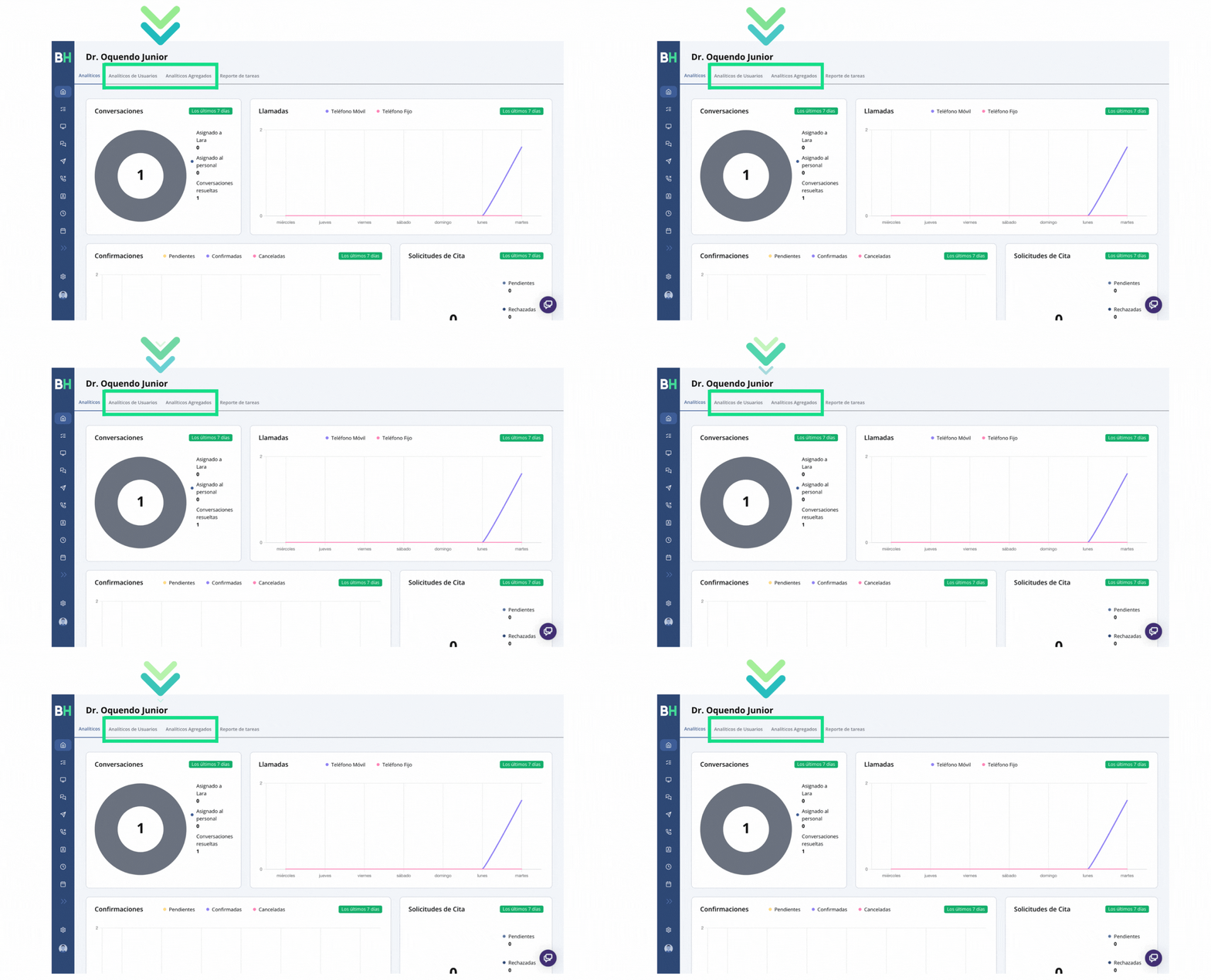
On the home screen of our platform, you will see two options next to "Analytics": "User Analytics" and "Aggregate Analytics".
Navigating your Analytics
Select a Date Range
- Go to your Home screen

- Select the analytics tab you want to view

- Select Filter by date…

- To change the date range go to this icon

- Choose the time range you want to view

- Done!

Download your report
- On your analytics screen, go to the report you want to export

- Select the three horizontal dots located in the upper right hand side of the report you want to export

- Select "Download results"

- Choose the download format. We recommend ".csv"

- Done!
Frequently Asked Questions
Do I need to configure it on my platform?
You do not need to configure it on your platform, as our team will handle enabling the tool for you.
What are the benefits of using Advanced Analytics?
The benefits of using Advanced Analytics are significant, as they allow you to precisely measure staff productivity by tracking the time employees are active. This is vitally important, especially in environments where the level of patient care is essential, as it allows you to ensure that care needs are met at all times.
If you would like support in evaluating, defining, and applying the data acquired from analytics, do not hesitate to contact your customer success account representative for assistance.
Can I filter by specific dates?
Yes, you have the ability to filter data by specific dates according to your needs.
What differentiates Advanced Analytics from the analytics on my Home screen?
Our team has established valuable information that significantly contributes to your daily goals. In the new sections you will find specific information about both your BrainHi users and the care and attention provided to patients, for example: rescued calls, resolved conversations, messages sent, among others.
Is it free or does it have an additional cost?
Advanced Analytics does not carry additional costs; it is included in your current service at no additional charge.
Can I add additional reports?
If you want additional information beyond what already exists in your portal, do not hesitate to contact your account representative to make the request and evaluate options we can provide.
How can I report problems or give feedback about Advanced Analytics?
You can report problems or provide feedback about Advanced Analytics by writing to your account representative, who will be fully available to address your concerns and comments.