In this article you will learn how to import your contact list into BrainHi. Uploading a list of phone numbers and names allows you to identify Contacts after a missed call or a mass message.
Follow these steps to upload your contact list to BrainHi:
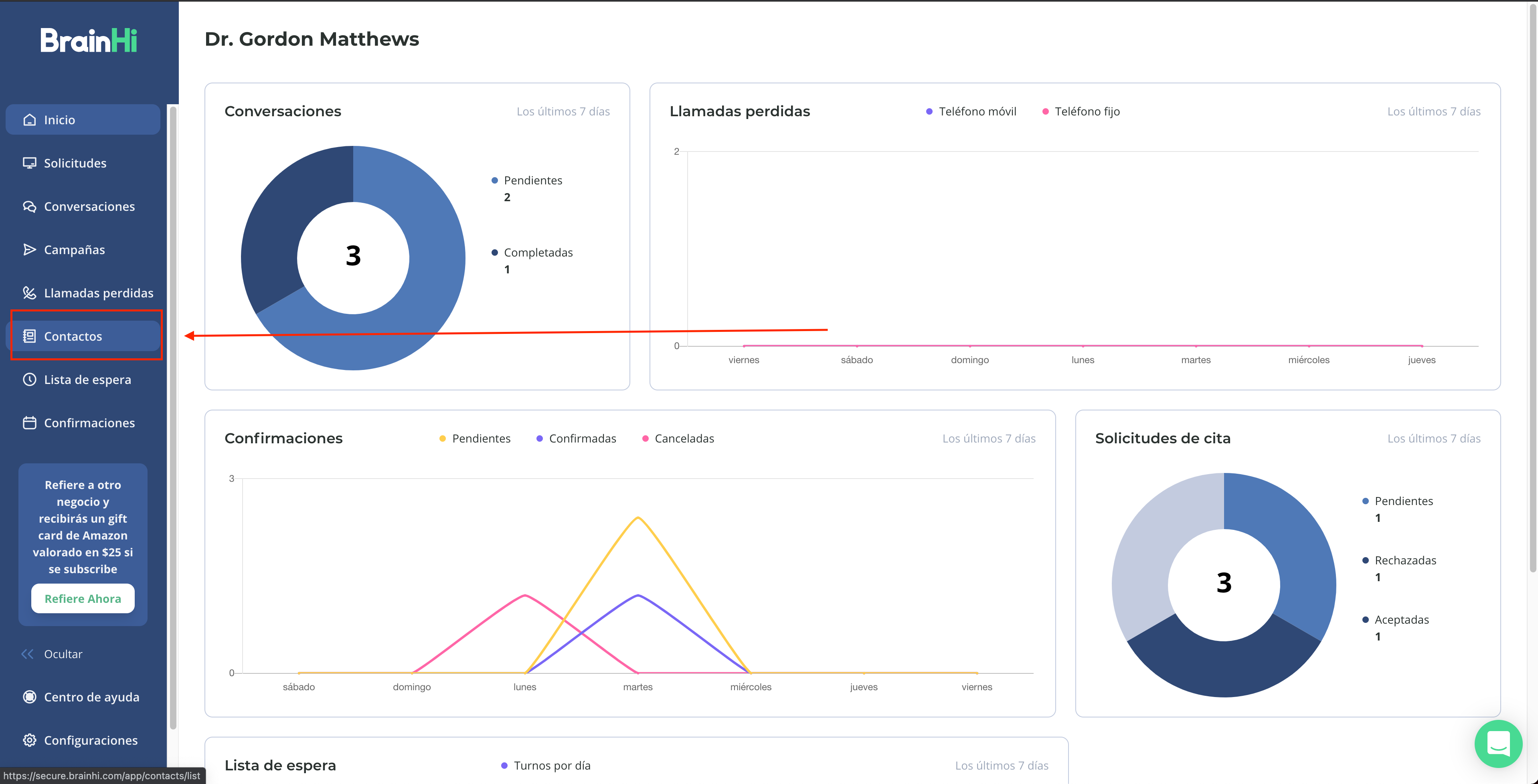
Visit the Contacts page
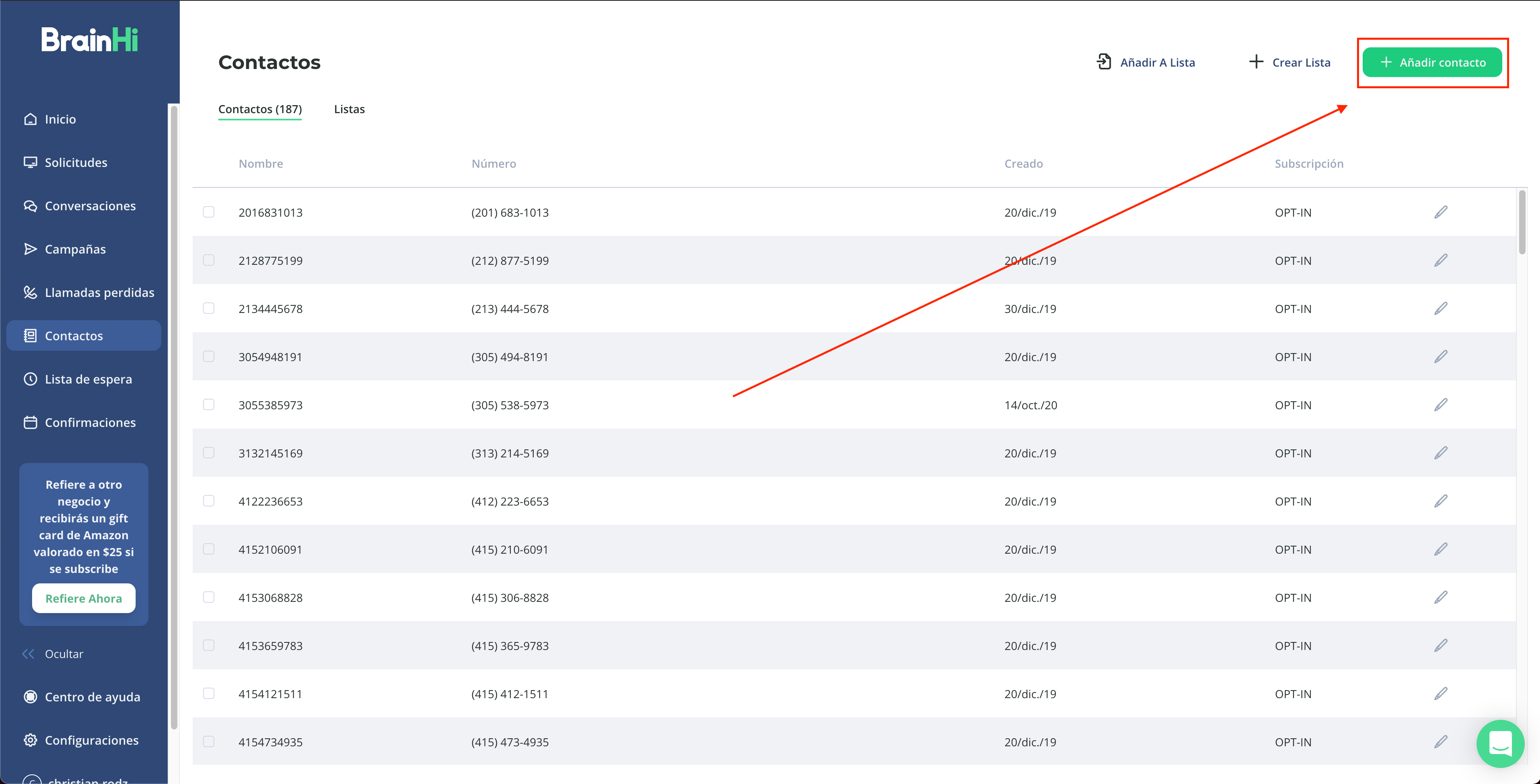
Click the "Add Contact" button
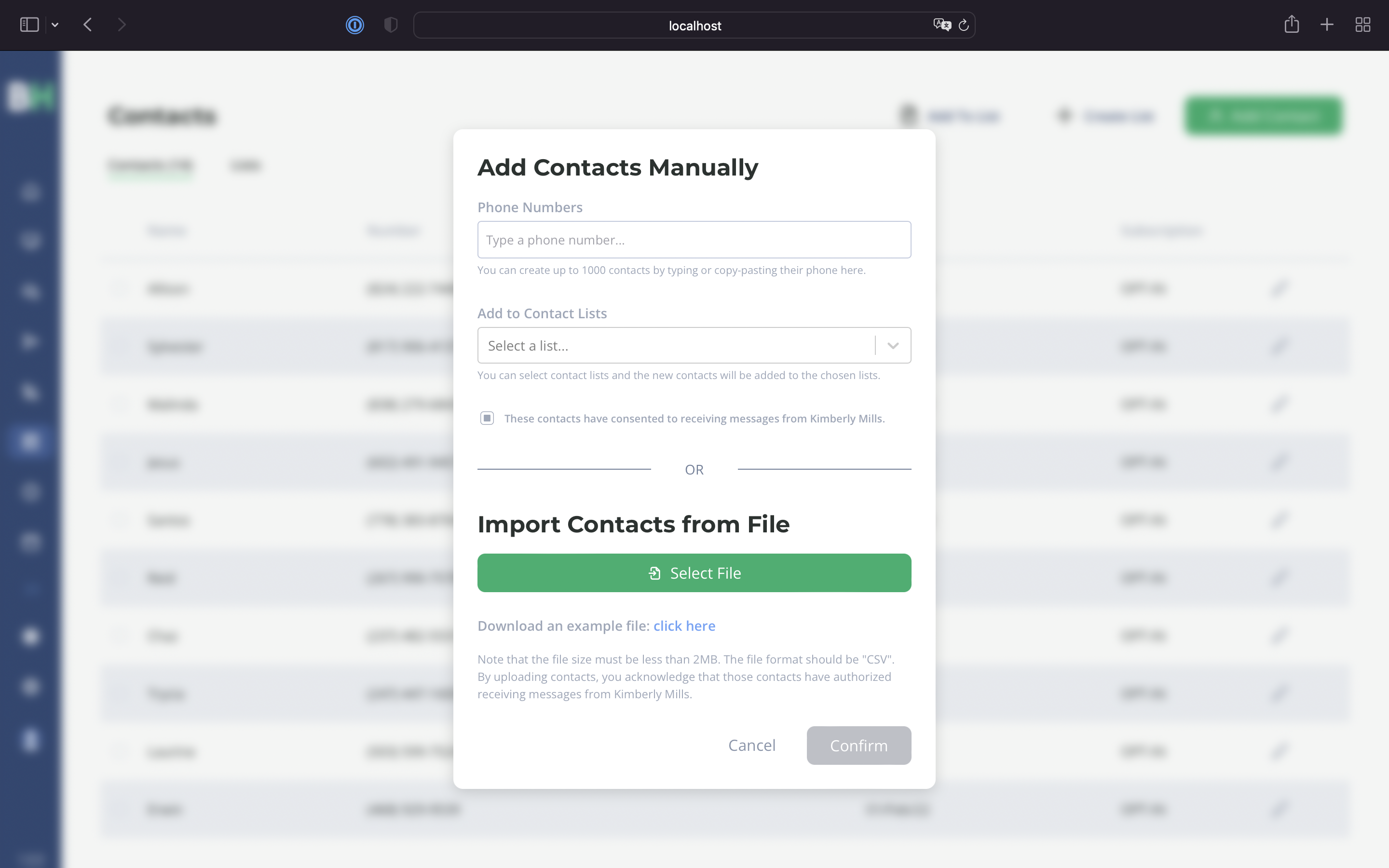
In this section you can add contacts manually or click Import contact list to upload it.
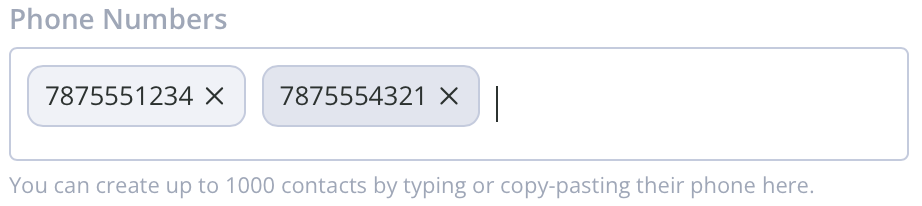
In this area you can type the phone numbers.
You can select which lists you want to add your contacts to.

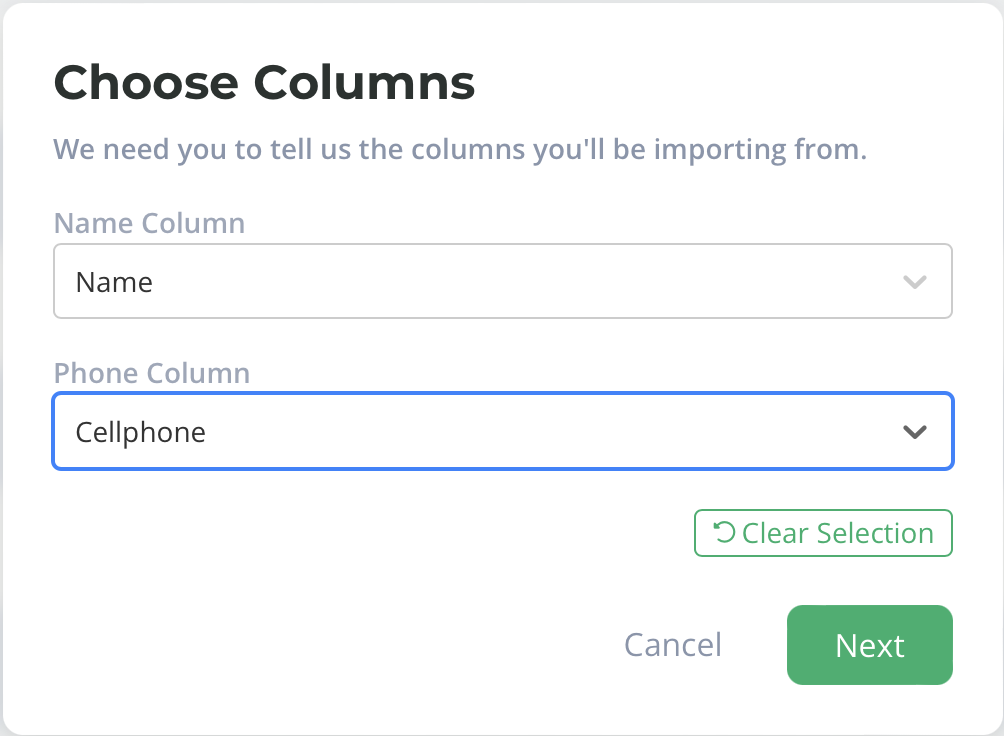
You can choose which columns from your document you want to upload to BrainHi. In this case the columns in the document are called Name and Phone. You can press Clear selection. You can also cancel or continue the process.
In the confirm selection step you will see errors highlighted in red when information is missing and in orange when there are duplicate entries. Both errors can be corrected on this screen by clicking on the field you want to edit.
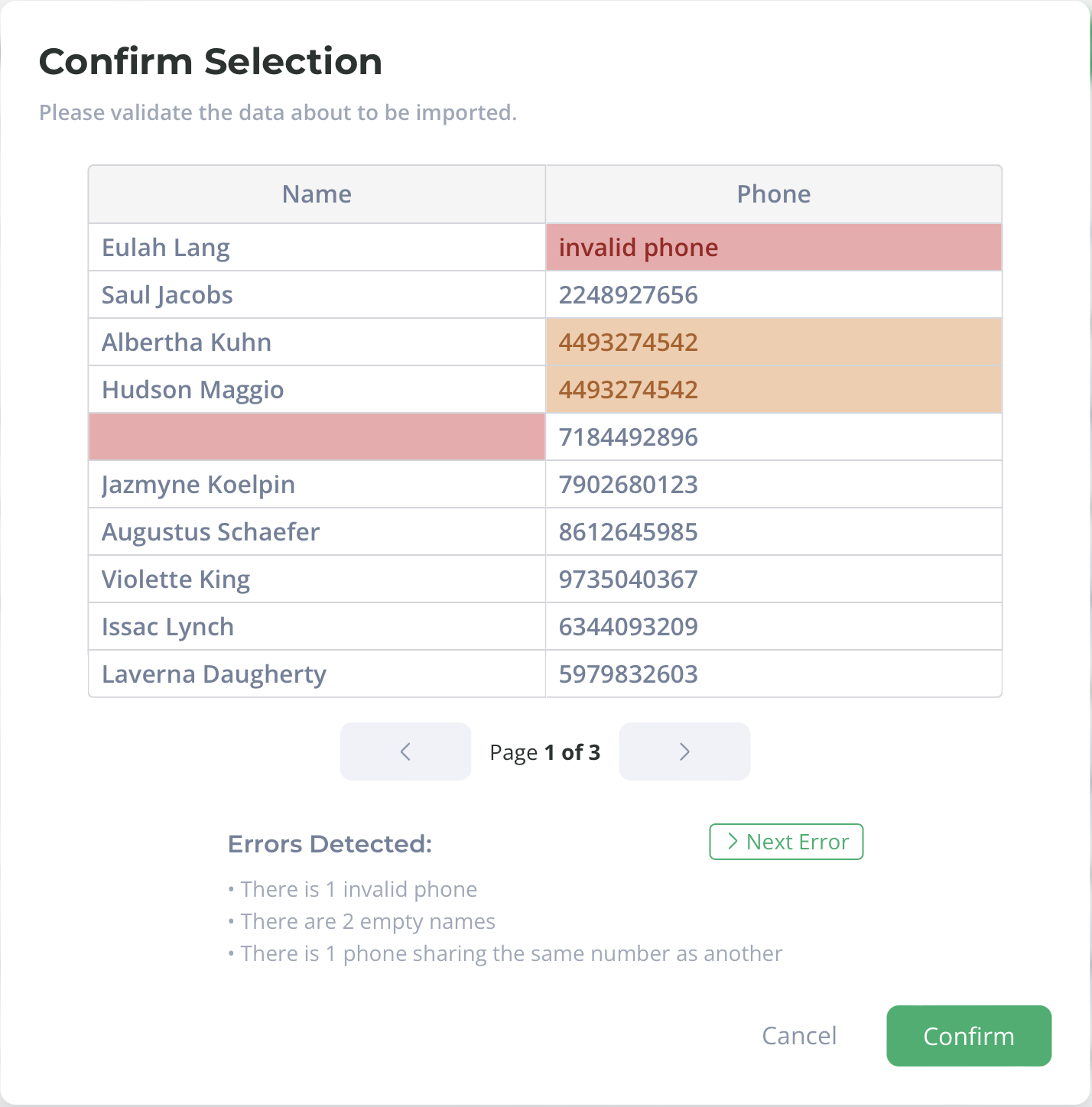
You can skip to the next error
Click confirm to upload the contact list to BrainHi.
💡 Only files in .csv format that do not exceed 2 MB in size are processed. 💡
Related articles