Tasks lets you collaborate with other teams inside and outside your location. Its purpose is to provide monitoring, access, and follow-up to collaborate in the efficient handling of Tasks by other teams.
Creating Tasks between departments allows you to resolve patient needs without transferring the call. It enables the transfer of context about the patient's need while avoiding repetitive duplication of information.
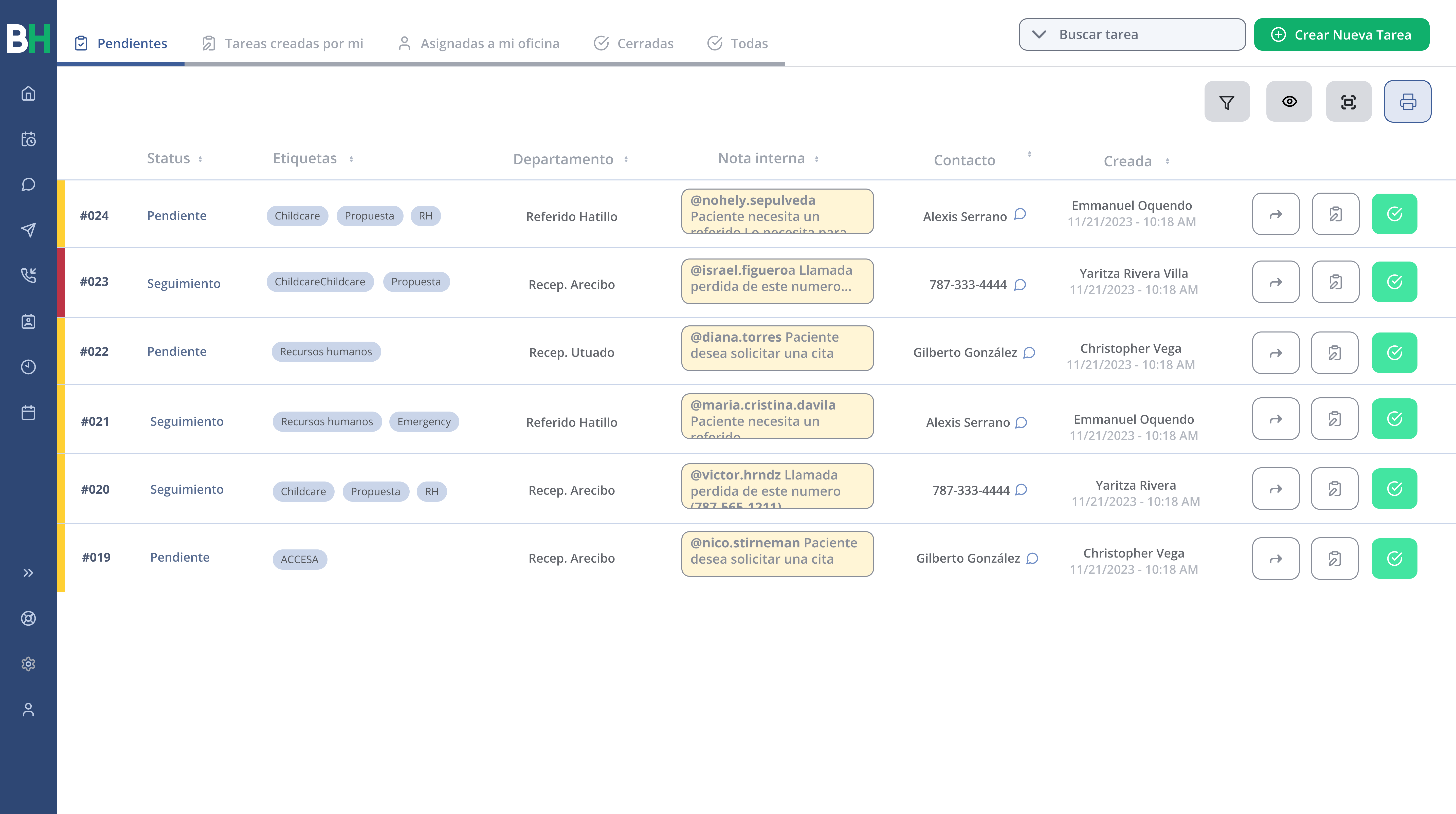
See also: Tutorial: How to Use Tasks?
🚀 Benefits:
🖥
1. Consolidate tools in a single platform
Use this asynchronous communication tool to keep your team cohesive. All interactions are recorded in the patient's conversation portal and are accessible from the new Tasks portal, all within a unified platform.
👉 You no longer need to have multiple portals open to communicate and/or document any need or emergency to another team member.
👥
2. Collaborate with your internal or remote team
Facilitate efficient task coordination that allows a clear view of your team's progress and responsibilities. This feature not only strengthens collaboration, but also drives productivity by generating an effective synergy for achieving common goals.
👉 Create tasks for your team and monitor the care provided to the patient.
Example: "María Pérez called to request a refill of her medications"
🗒
3. Assign tasks to yourself
Effectively self-manage your daily workload. By assigning yourself specific responsibilities, you can organize your tasks and keep a clear track of your pending items.
👉 We know how busy your day can be; by using self-assigned tasks, you can manage your time effectively and deliver high-quality service.
Related articles