This article describes the previous version of the Waiting List. If your office already uses Digital Queue, see Digital Queue.
BrainHi's Waiting List can be adapted to your business workflow. Here we show you the different settings this feature has, and how each one works.
Define your lists in advance and assign a name to each one. For example, if you have customers who come in for orders, and customers who come to pick up orders, you can define two lists per day:
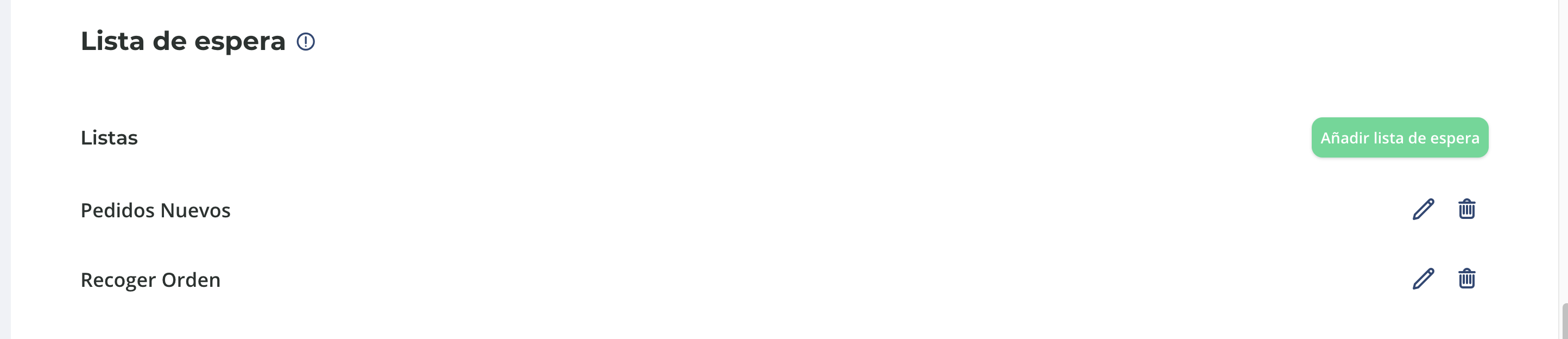
BrainHi allows your customers to get on a list with a pre-turn by sending a message indicating they have arrived at your business. Staff can then add them to the corresponding list.
This functionality is optional and can be adjusted from settings.

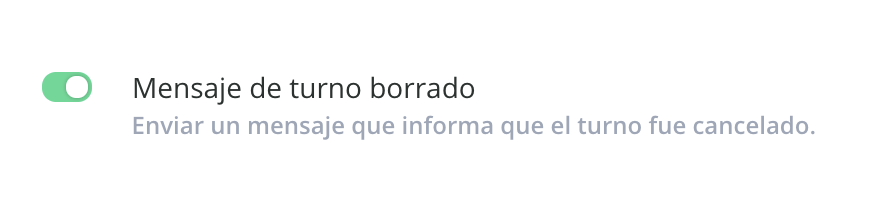
When staff removes a waiting turn, the customer is sent a message letting them know they have been removed from the list.
If you do not want to send these messages, you can turn them off from settings.
When dispatching turns, BrainHi keeps waiting customers informed by letting them know how many turns remain before it's their turn.
You can enable a new option in Settings to reduce messages. In that case, BrainHi will only notify the customer when they are added to a list and when it is their turn.

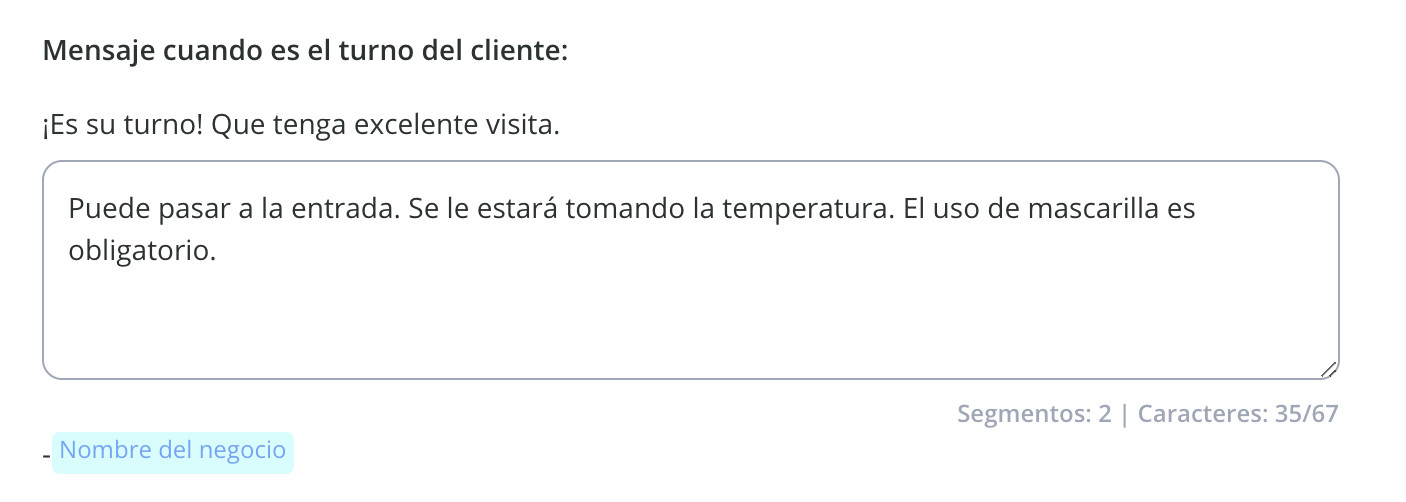
You must add text to the automated waiting list messages so your customers have a clear expectation while they wait and when it is their turn.
For example, this message lets the customer know that wearing a mask is required to enter the business:
The Waiting List is a tool designed for the times we are living in and helps your business be more efficient by adapting to your current operation. If you need help getting started with this tool, do not hesitate to contact us.
Related articles