BrainHi allows you to create contact lists and add Contacts to them from the Contacts screen.
Follow these steps to create a list and add Contacts to it
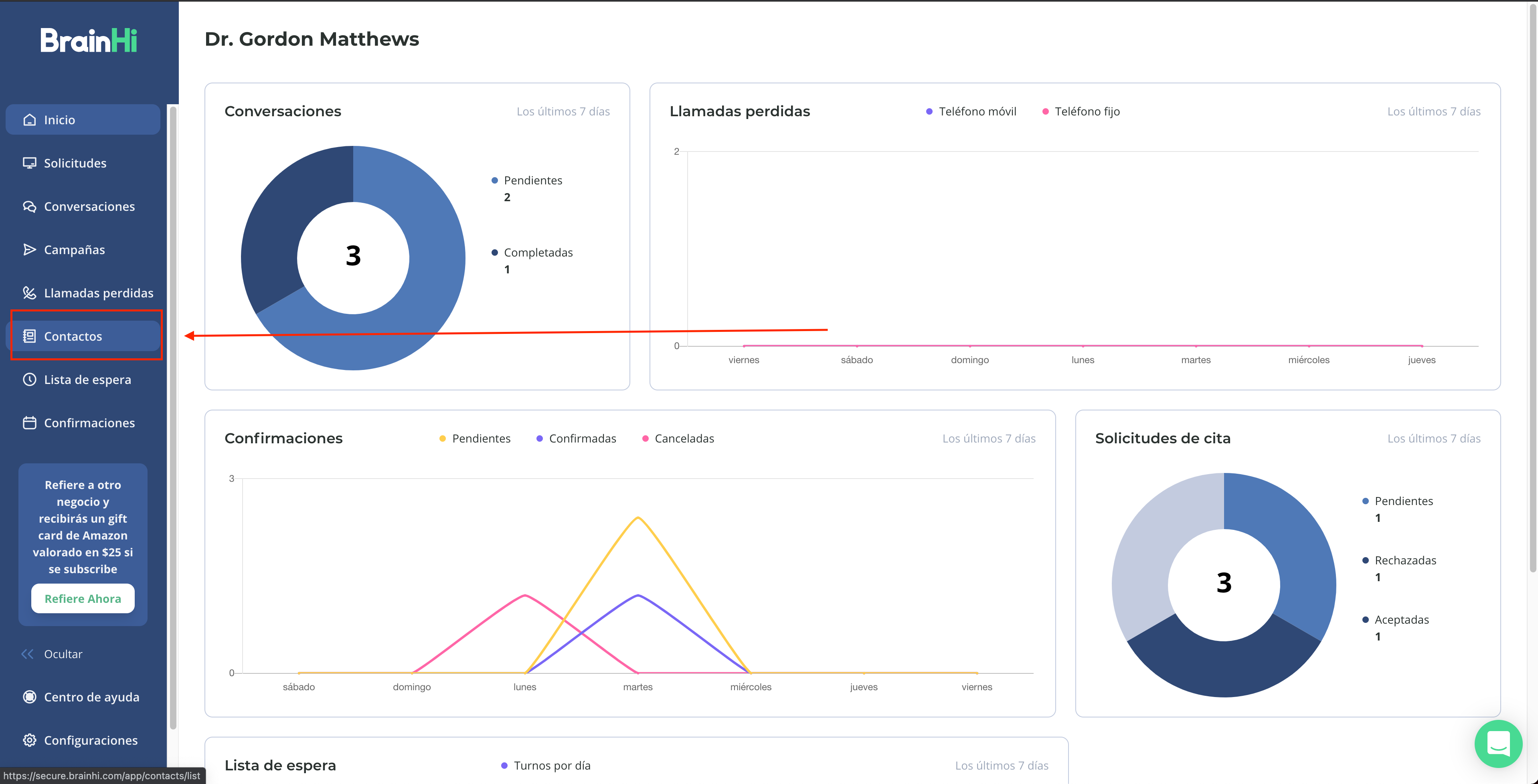
Visit the Contacts page
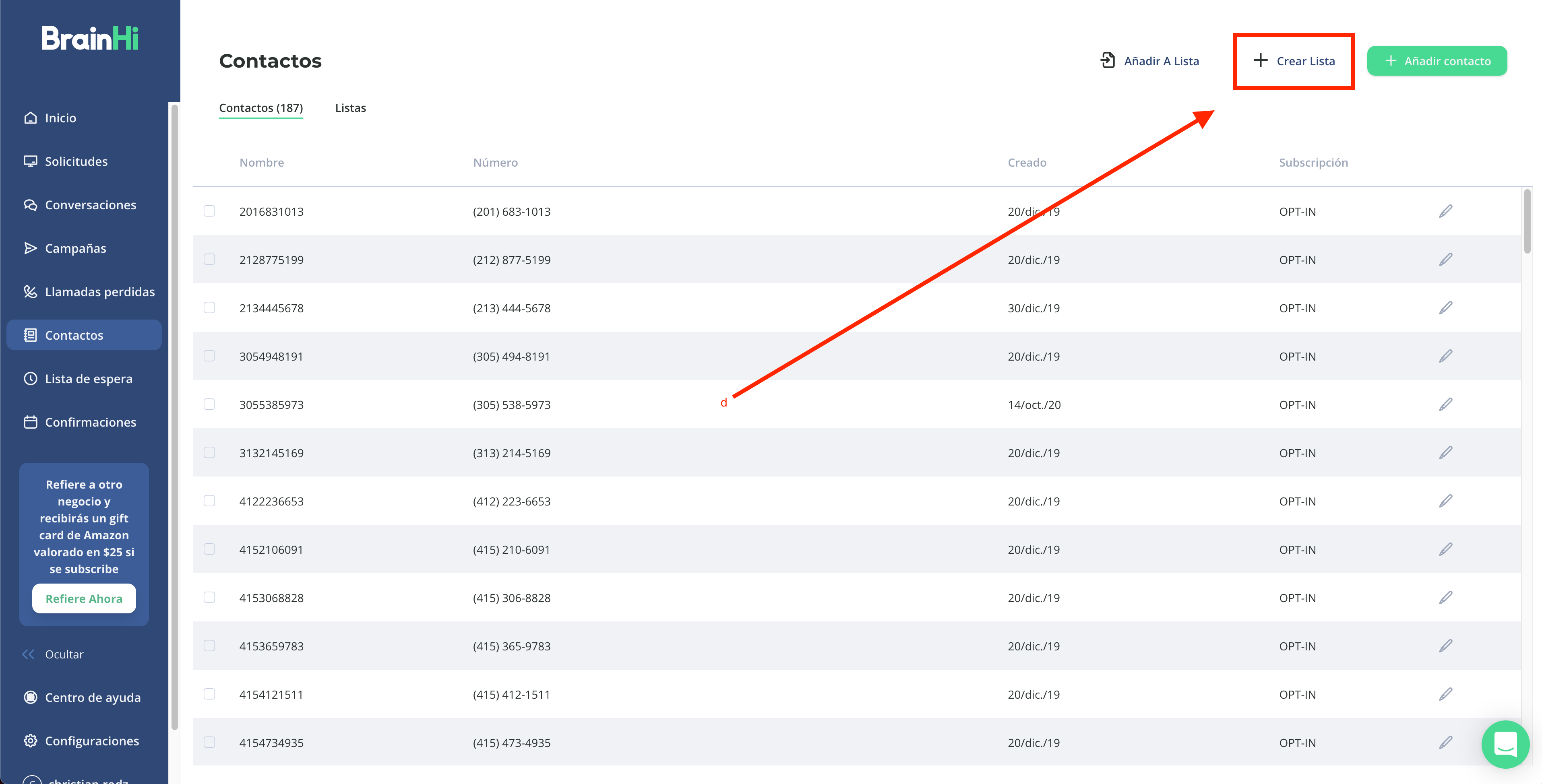
Click the "Create List" button
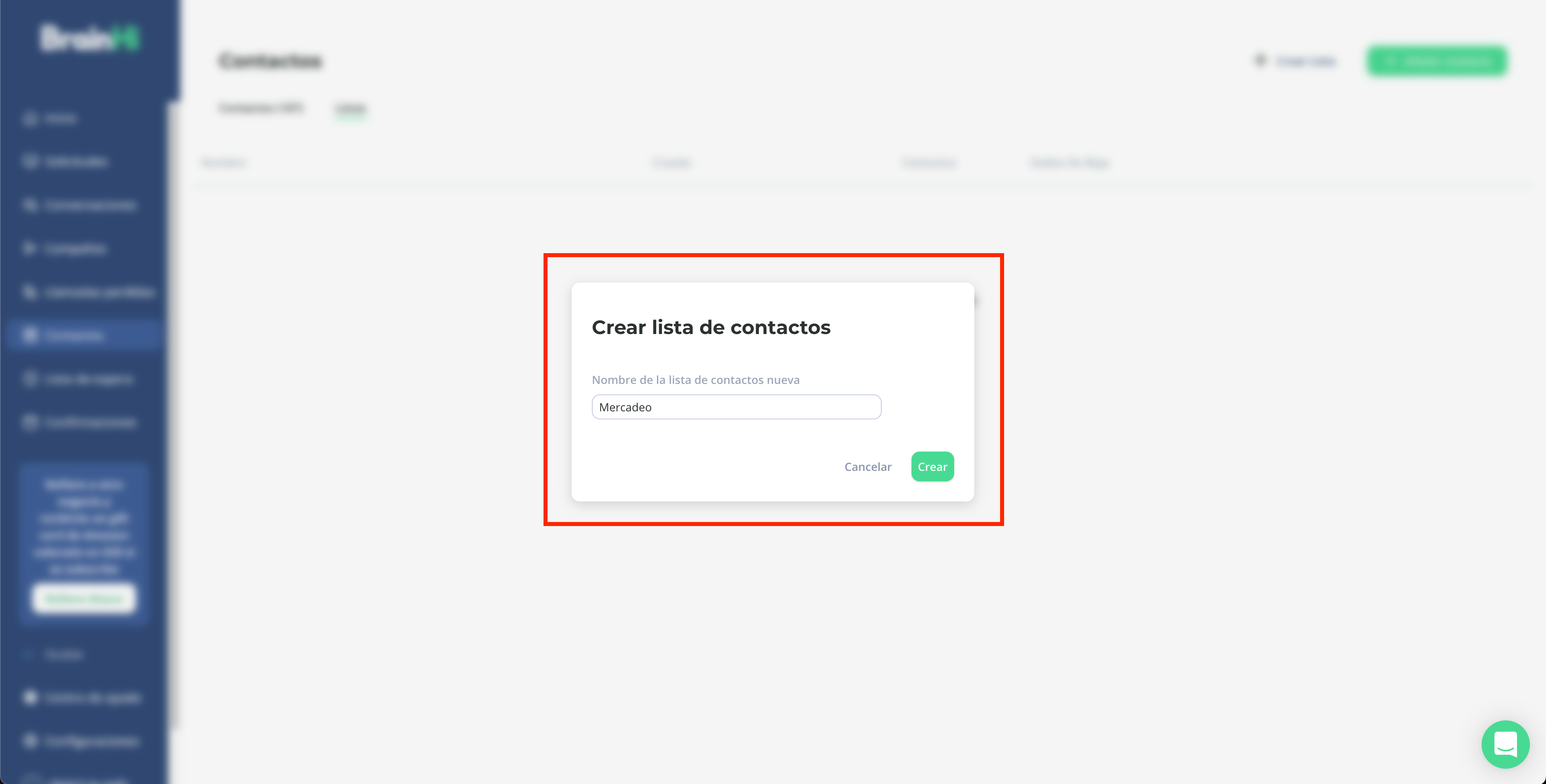
Type a name for your List and press the "Create" button
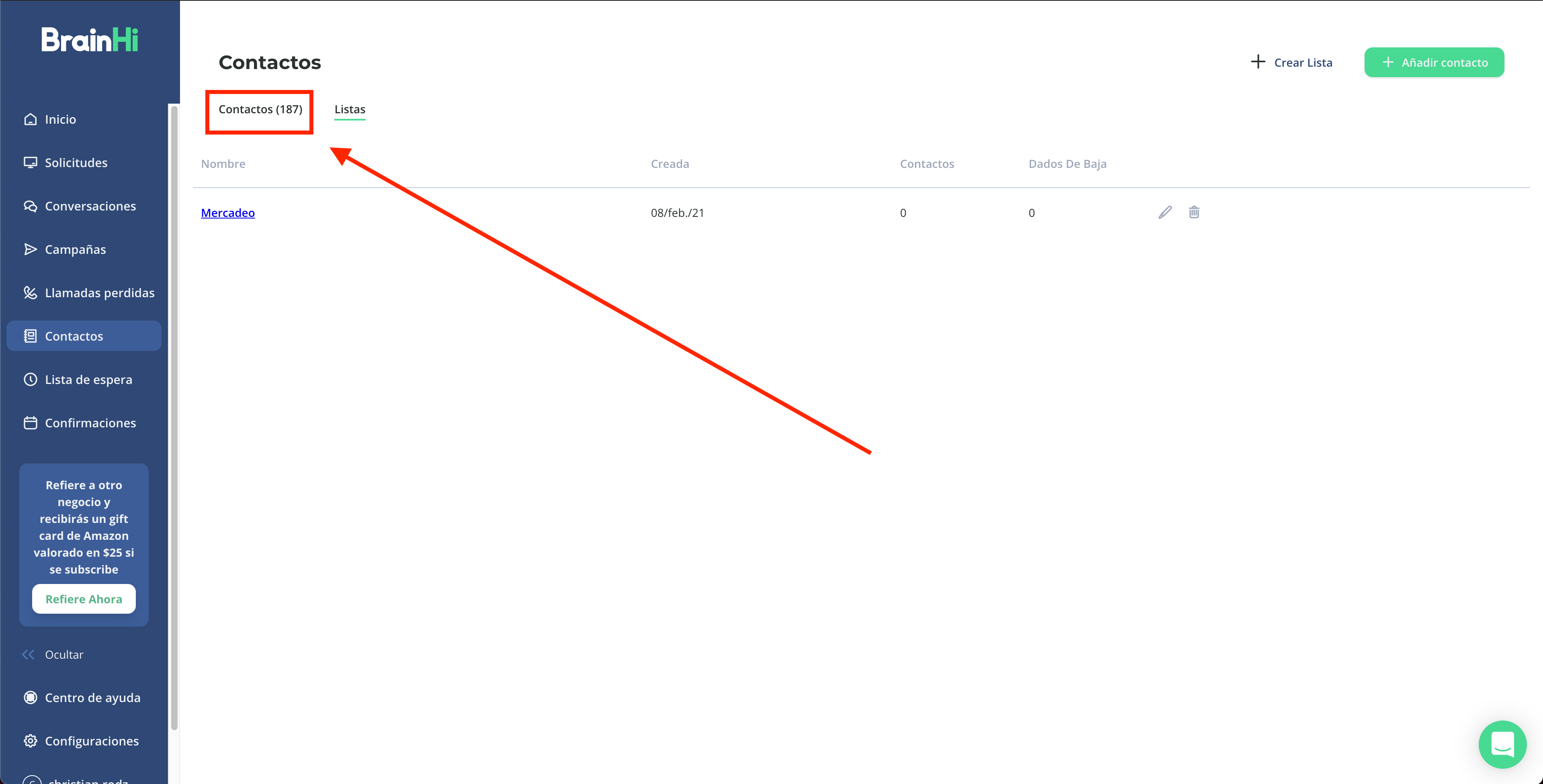
The list will be created and contains no Contacts. To add Contacts, click on the main list with all Contacts.
Select the contacts to add to your list by clicking the checkbox next to each Contact
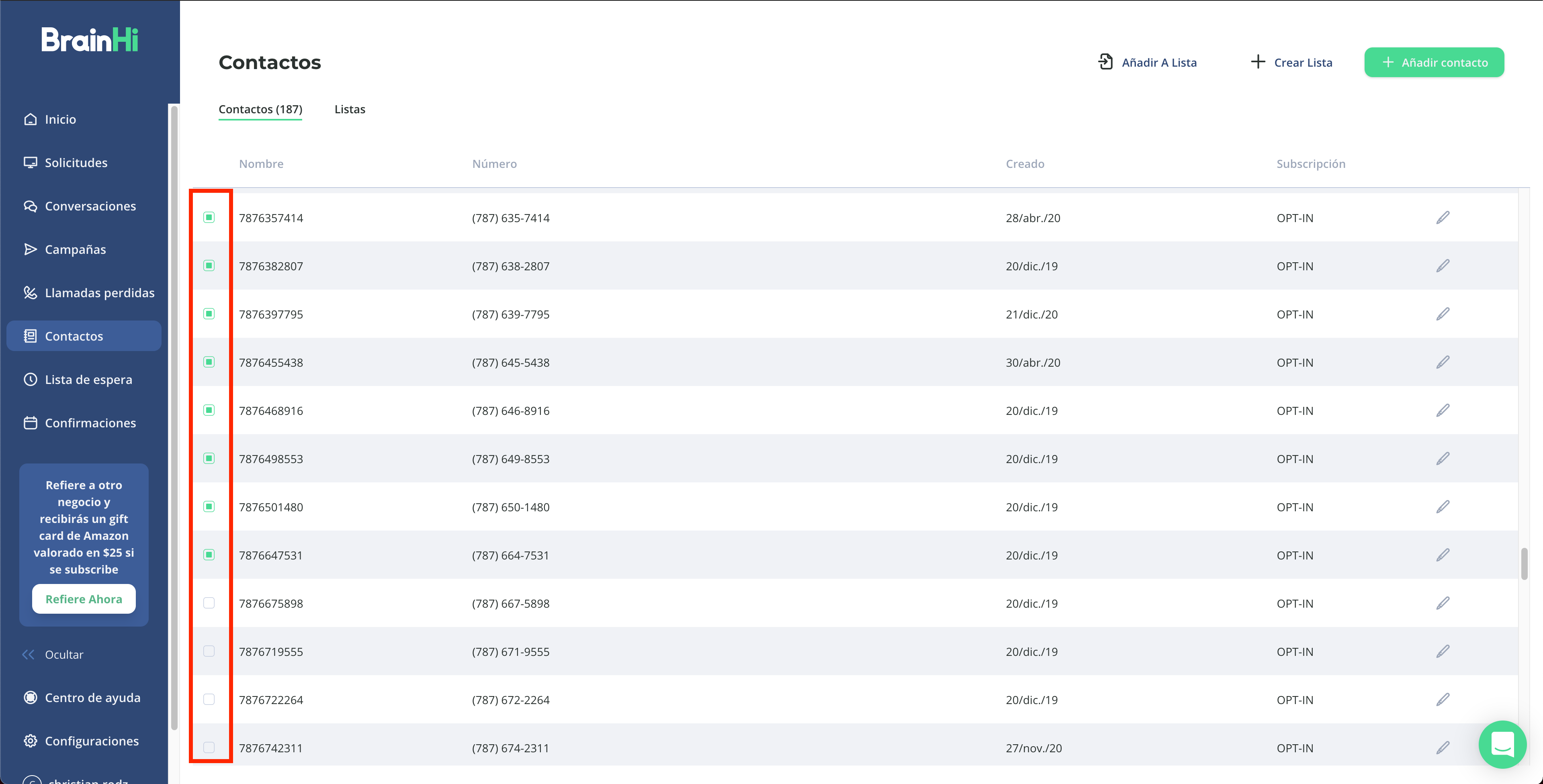
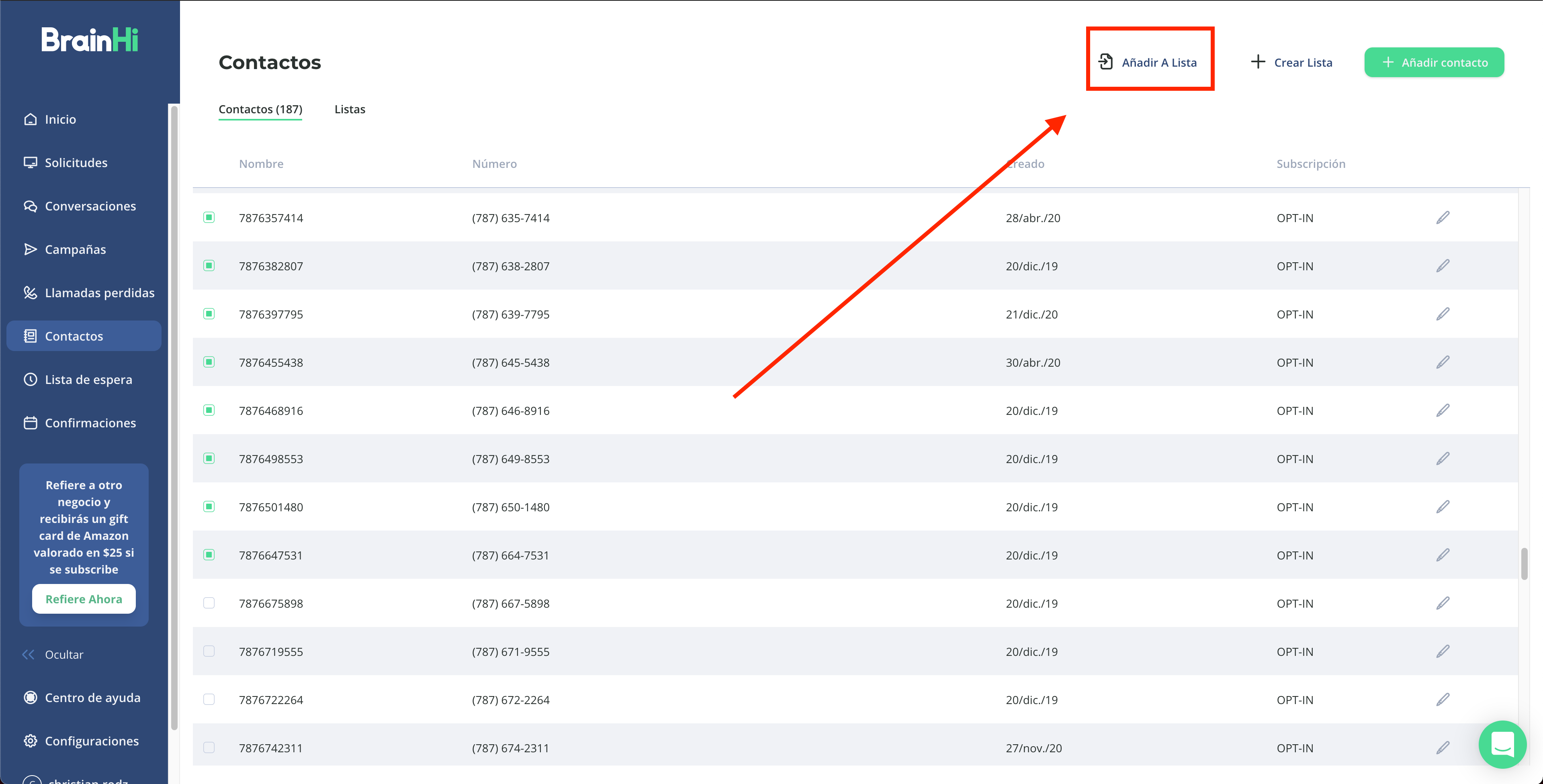
Click the "Add To List" button
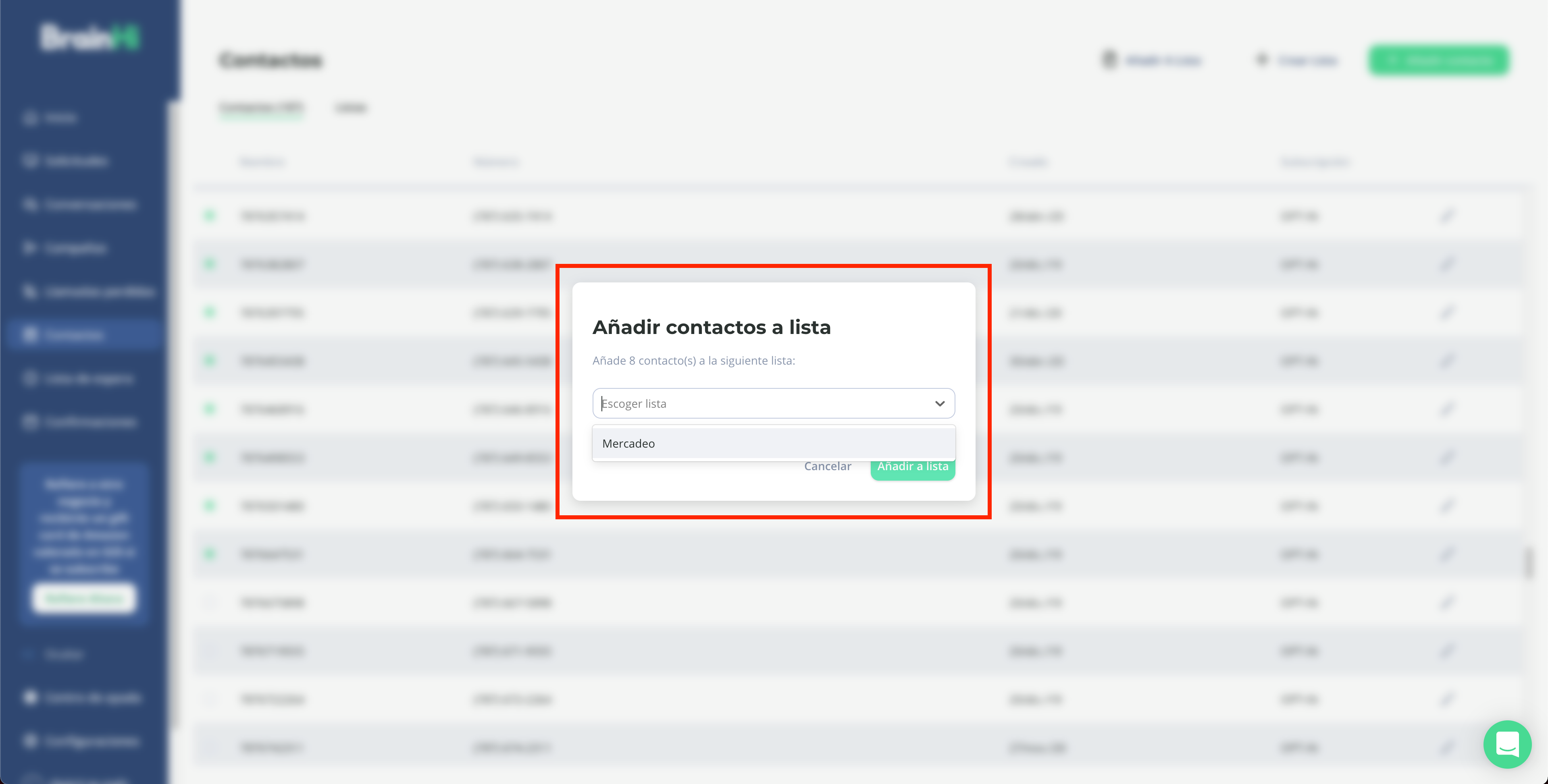
Choose the list to which you want to add the contacts
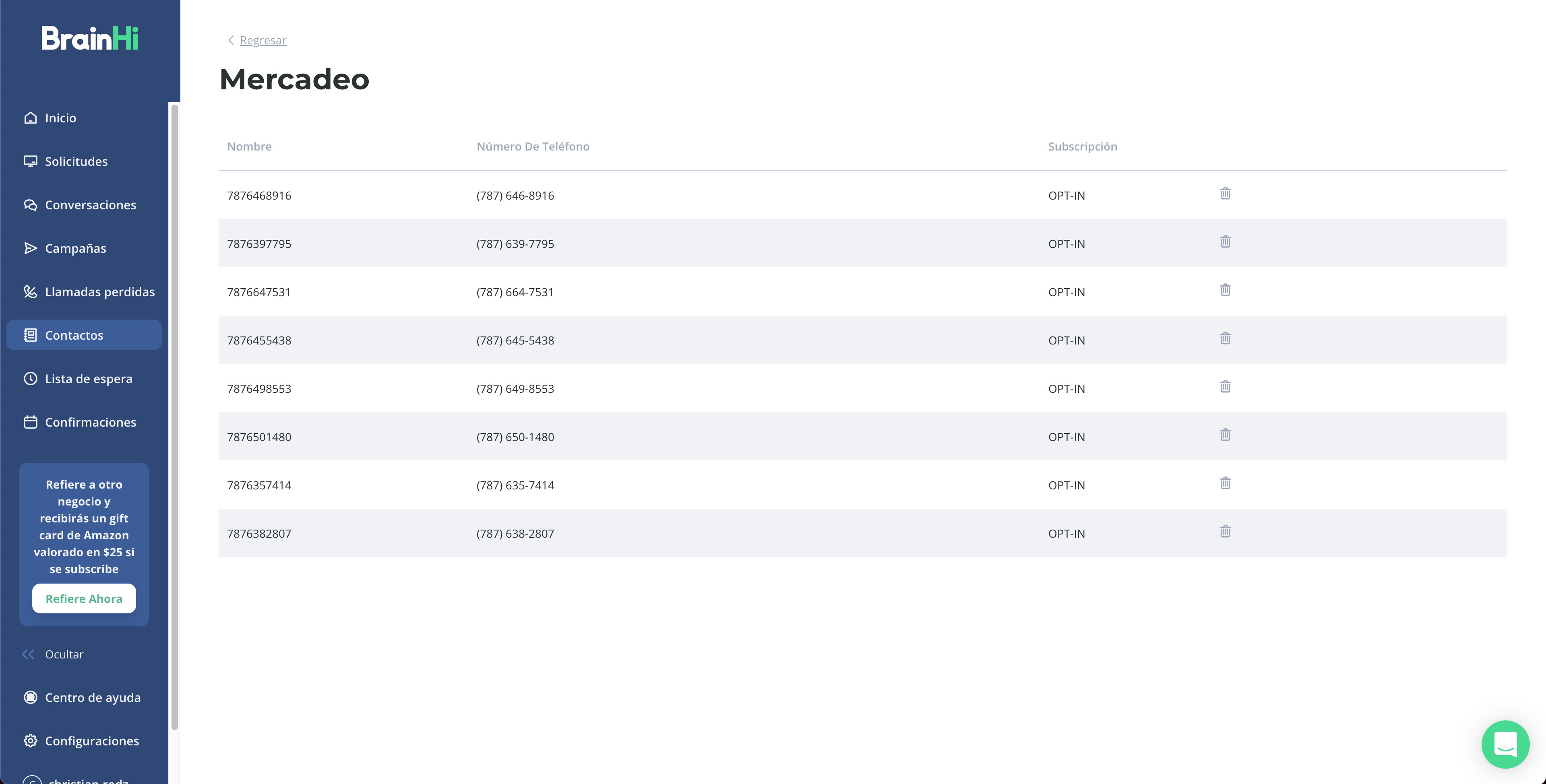
Now the list has the selected contacts.
Related articles