Introduction
To improve efficiency and ensure that no important follow-up is left unaddressed, we have implemented a new feature that notifies you when you attempt to close a conversation that has pending Tasks or Appointment Requests. This tool is designed to help you manage your conversations more effectively, ensuring that all important actions are completed before closing a conversation.
How to Enable or Disable This Feature?
To enable or disable this feature, you can contact your customer service representative.
How Does It Work?
When you attempt to close a conversation, the system will automatically check whether there are pending Tasks or Appointment Requests associated with that conversation. If so, a pop-up notification will appear on screen informing you about the pending tasks or requests, as shown in the following image:
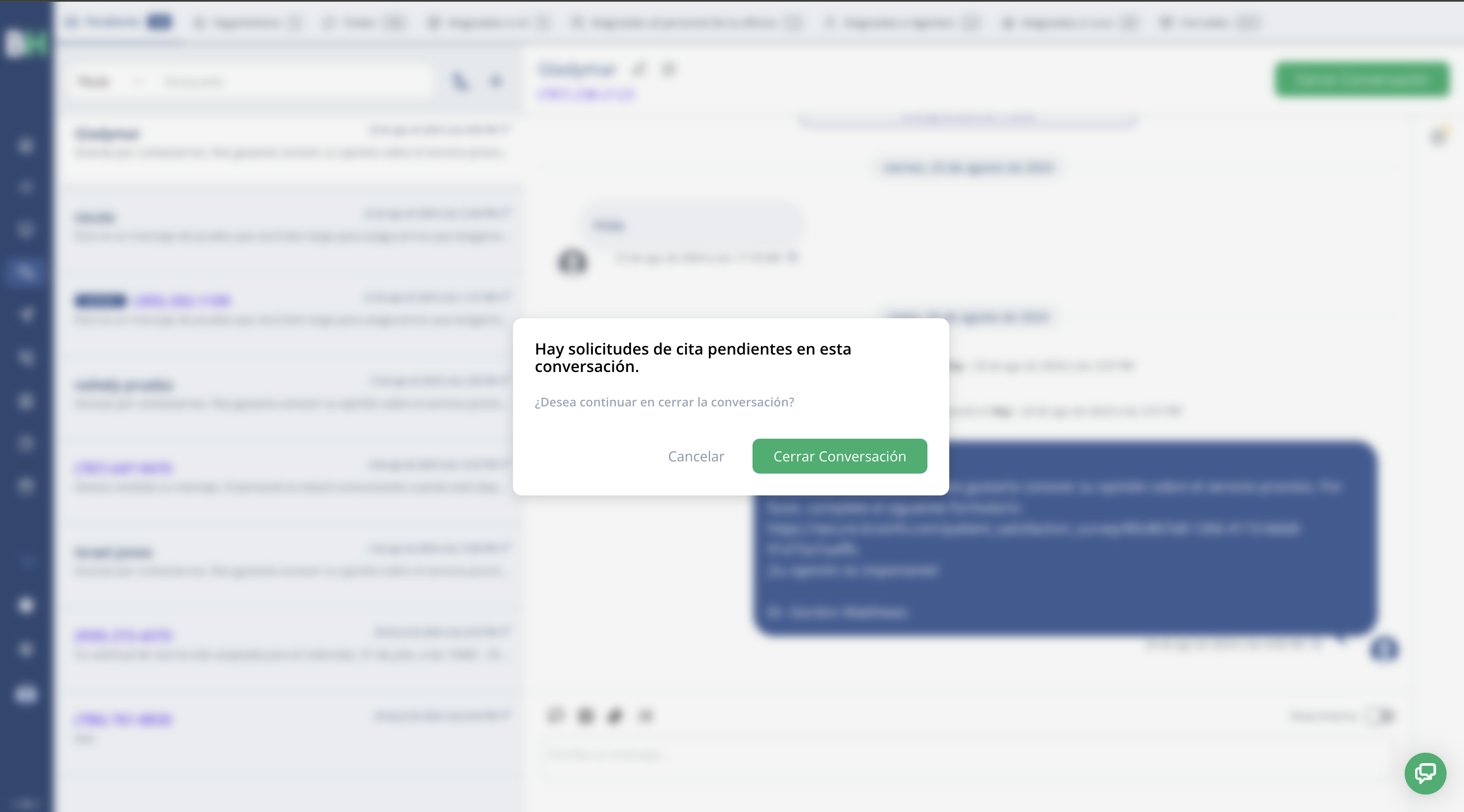
In this notification, you can choose to Cancel the closing to attend to the pending actions or Close Conversation anyway.
Related articles