Optimize your experience using BrainHi IVR: a new call rescue experience through an interactive voice response system (or 'IVR' for short).
Top 3 things you should know about BrainHi IVR
Every business or office has its own quirks, so the goal of BrainHi IVR is to take the current Call Rescue experience and elevate it. Helping your clients receive exactly the response they are looking for in less time, and helping your team better identify the reason for the call so they can assist more efficiently.
Our team has taken on the task of providing the most common call reasons in the IVR settings, but did you know that...
You can add additional options to your IVR
Just like the currently available options, you have the choice of contacting our Customer Success team for a consultation to help you configure the additional options available.
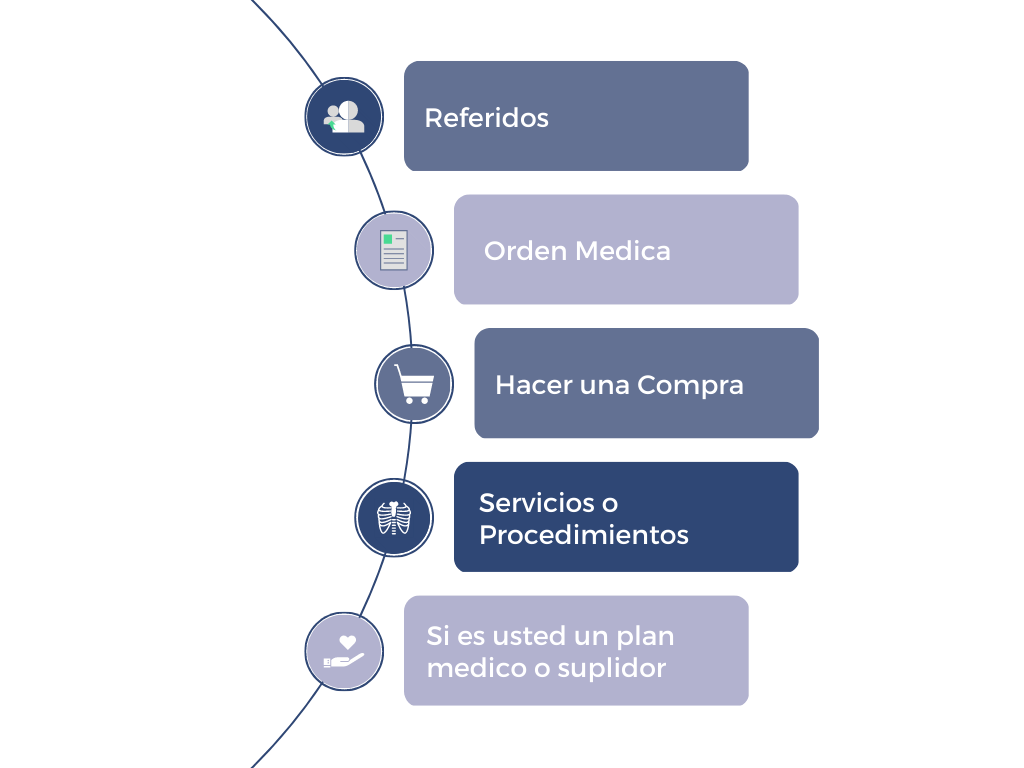
Optimize assistance to your clients
When BrainHi IVR is active, after a call is missed and rescued, the client will hear a greeting message, followed by several options. The client can choose their preferred option by pressing a number on their keypad.
Learn more about the feature by clicking the button below:
Add the magic of knowing the reason for the call
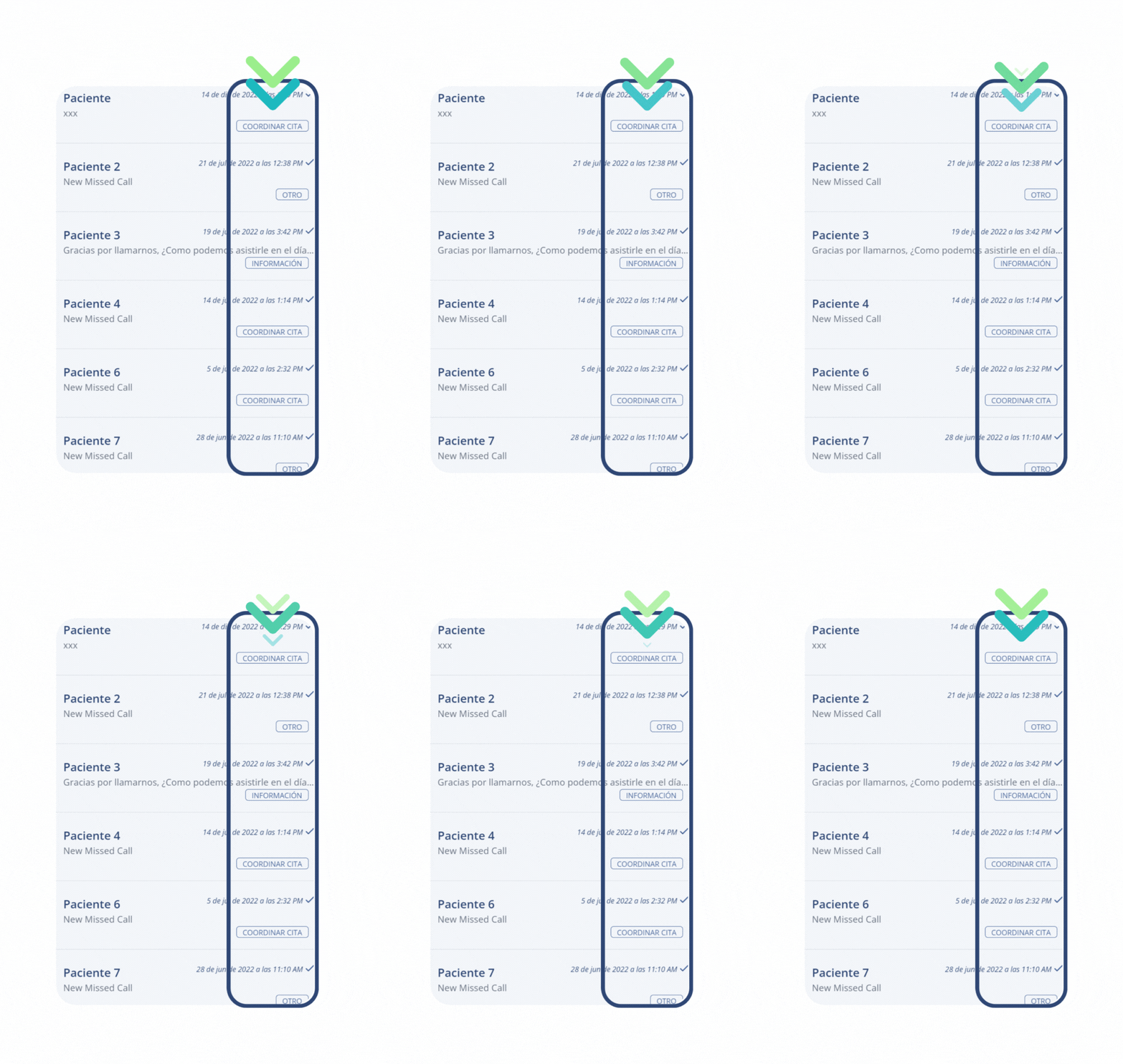
After your client has chosen an option, you and your team can see the call reason directly from the Conversations screen. This way, you will already know the client's request before even opening the conversation.
Best of all? Lara, your virtual assistant in BrainHi, will send the client the message you configure in your portal. This allows you to identify which ones require some follow-up on your part and which ones Lara has already taken care of.
This is how the labels or "tags" will appear in your conversations:
How can I configure it?
This new tool gives you the advantage of maintaining commitment to your clients by providing them with the necessary assistance as quickly as possible, while also assisting your team.
Learn more about how to configure BrainHi IVR
Related articles