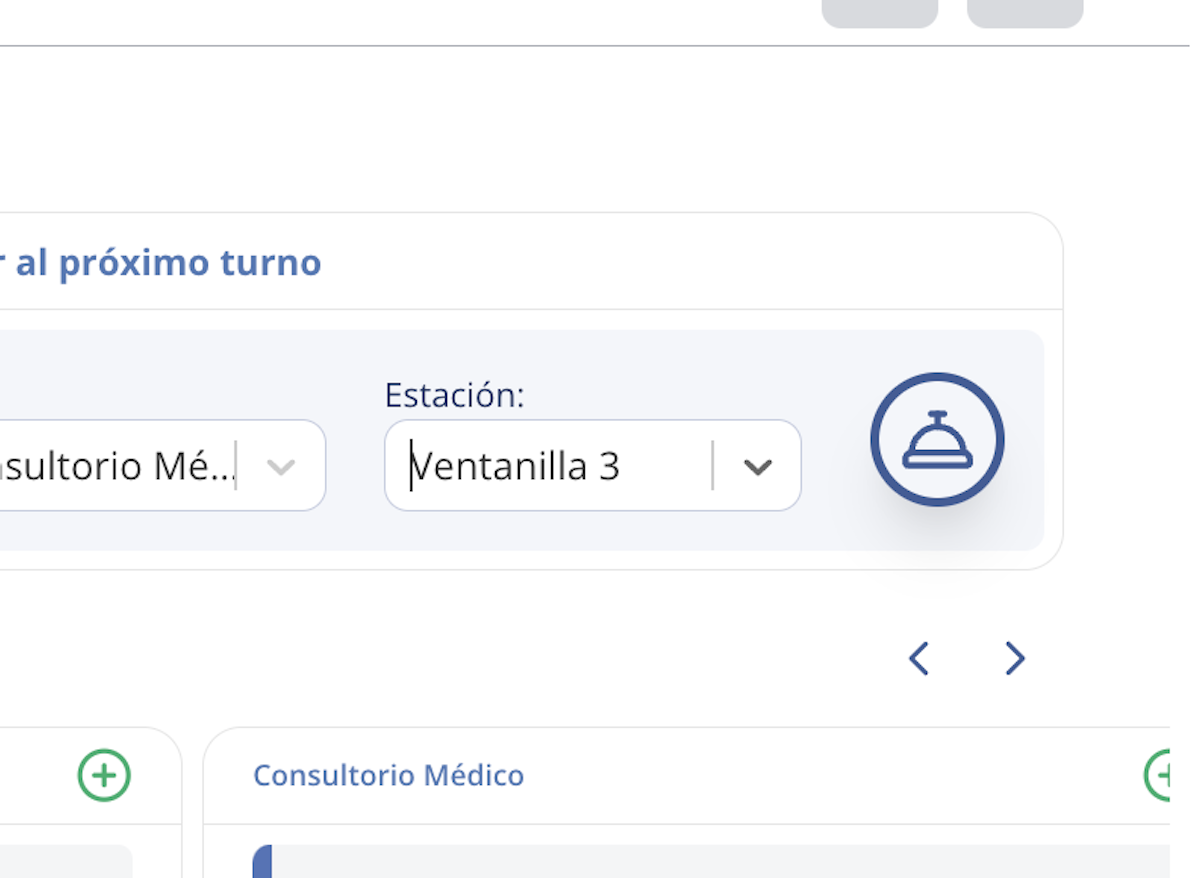
1. Call the patient to the serving station
When you call a patient, they will receive a text message notifying them of their turn:
"It's your turn! Please proceed to Medical Office to be seen at Window 3.
- Oquendo Jr Junior"
2. Confirm the patient's arrival
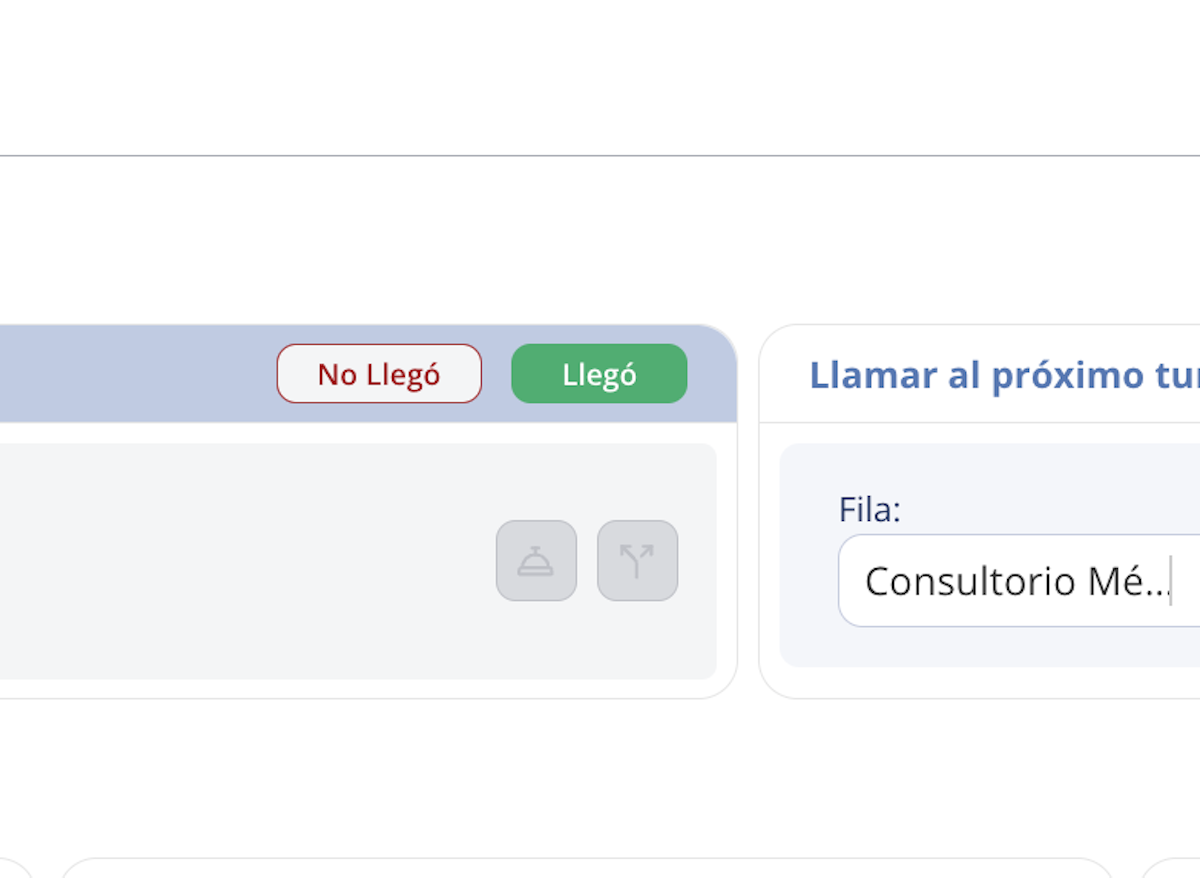
If the patient has arrived at the station where you will serve them, press the Arrived button to confirm this action. This helps define the person's service time.
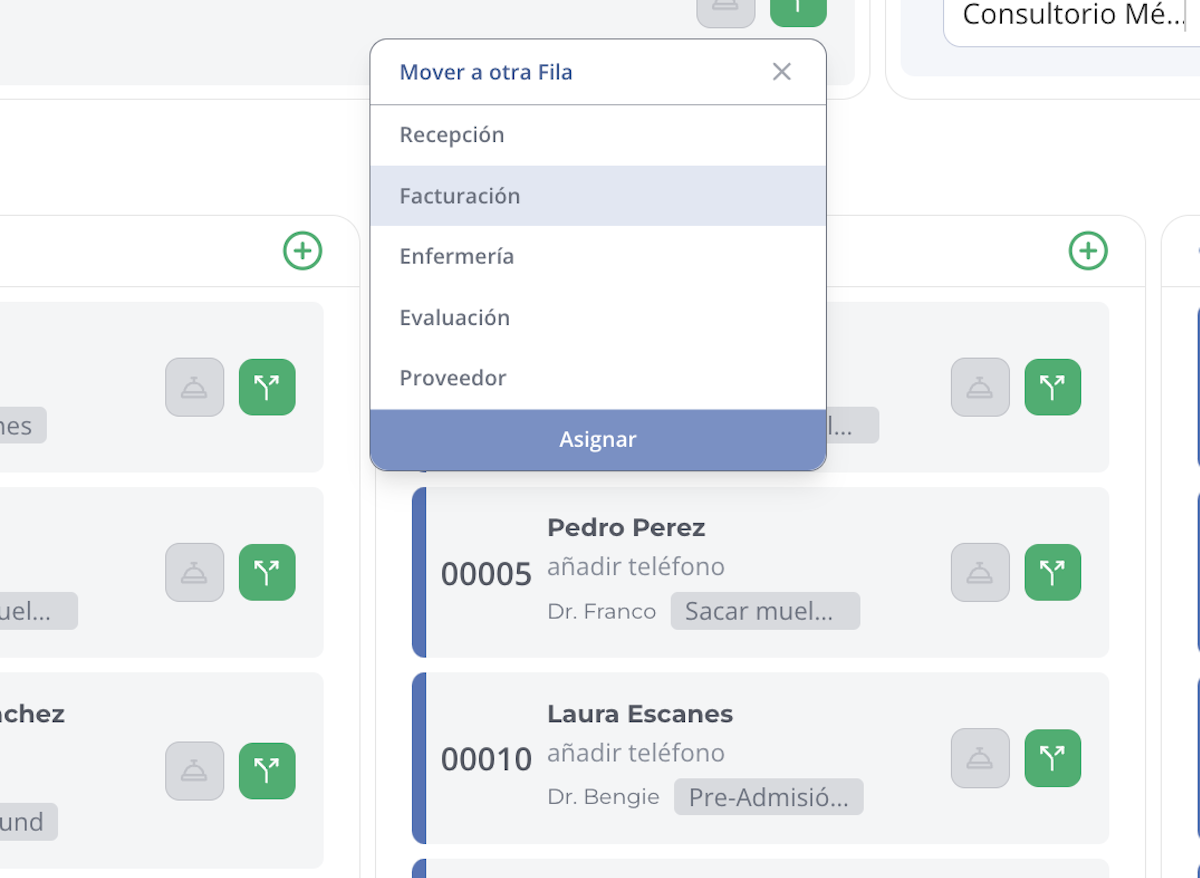
3. Move the patient to another queue
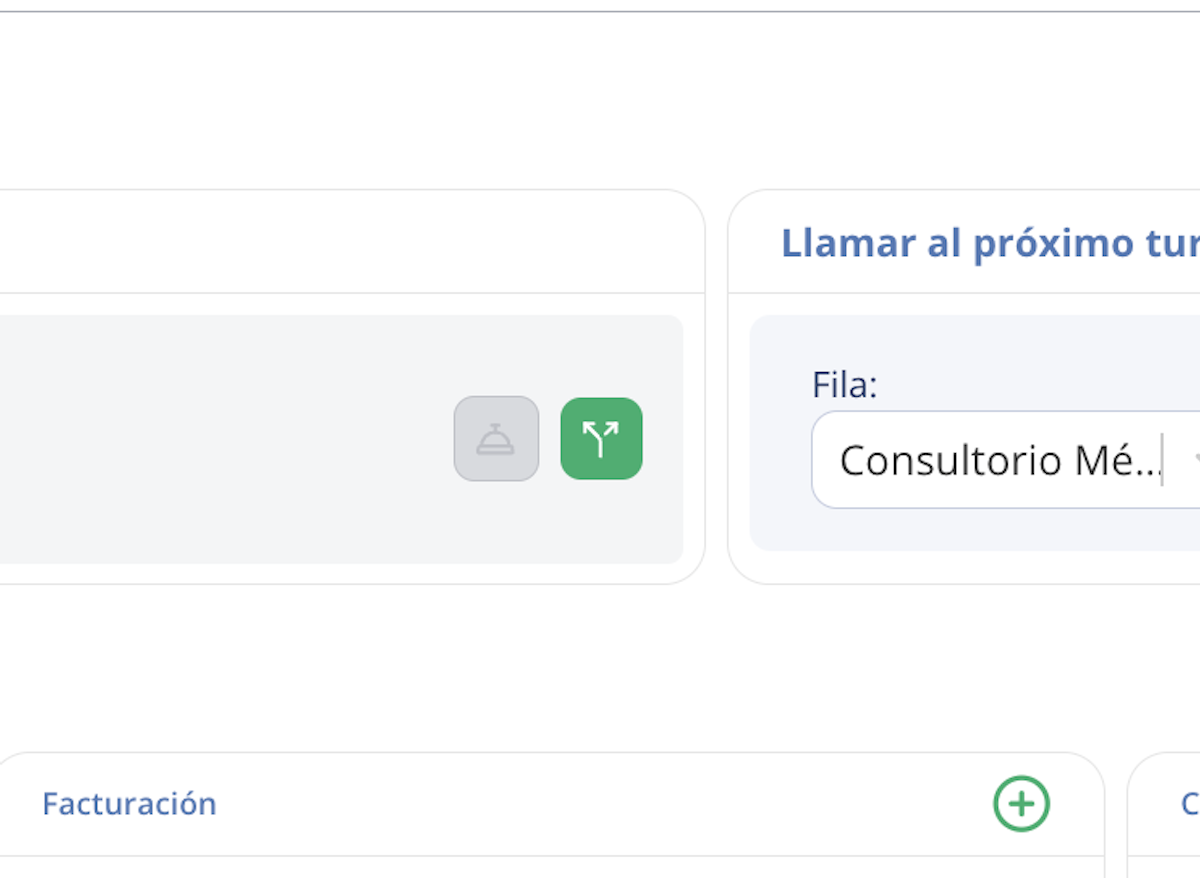
Once the patient has been served, use the Move to Another Queue option.
4. Select the new queue
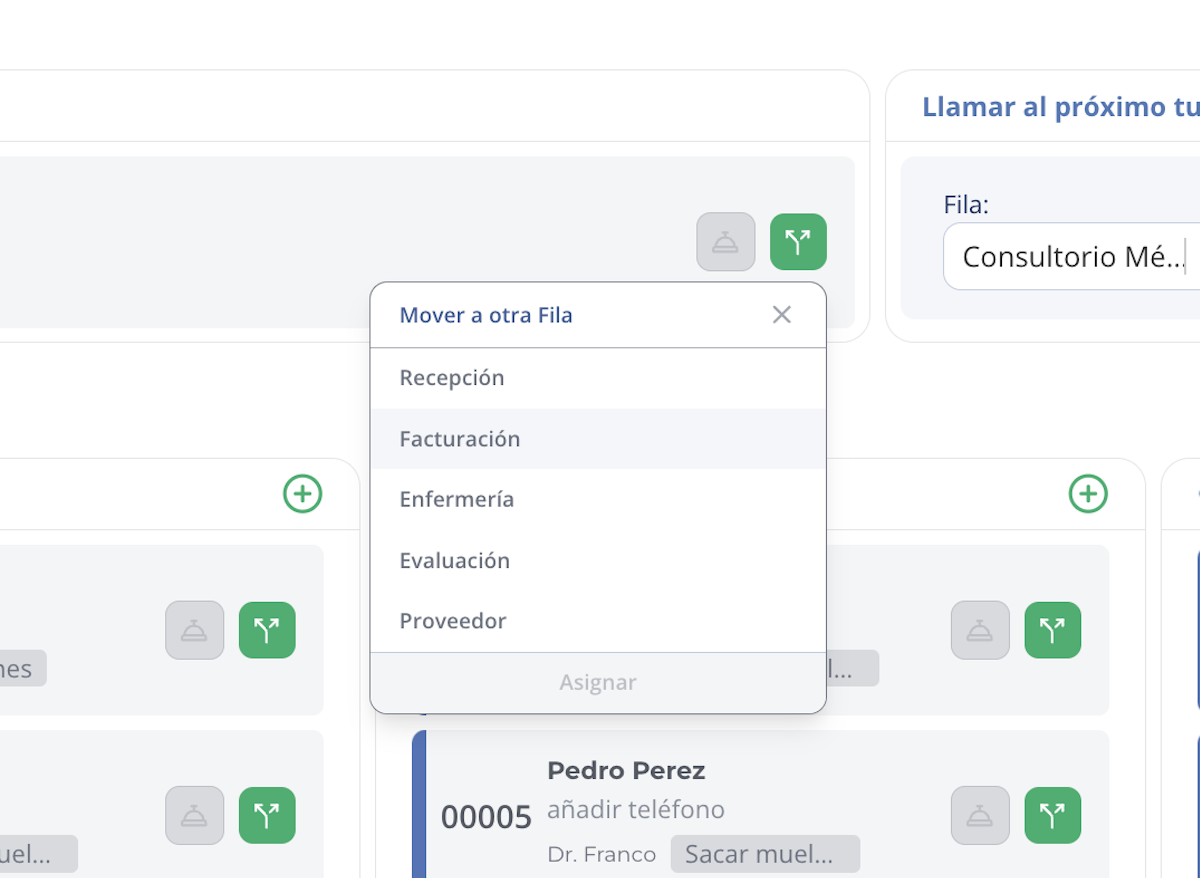
A list of all available queues will appear. Select the queue you want to assign the patient to.
5. Confirm the assignment
Press the Assign button to complete the action and officially move the patient to the new queue.
Summary
- Call the patient to the serving station.
- Confirm their arrival with the Arrived button.
- Use the Move to Another Queue option to redirect them.
- Select the destination queue and confirm with Assign.
This flow allows a patient to complete different stages of care within your institution in an organized and efficient manner.
Related articles