Accounts connected to Proclaim operate with periodic synchronization. This means that some actions are not reflected instantly — and that is the expected behavior, not an error.
Statuses you will see
- Pending: the request arrived and is waiting for action from your team.
- Accepting / In process: you accepted the appointment and BrainHi is sending the confirmation to Proclaim. The appointment may remain in this status for a few minutes until Proclaim confirms.
- Confirmed: Proclaim confirmed the appointment. The process completed successfully.
- Canceled: the appointment was canceled from BrainHi or from Proclaim.
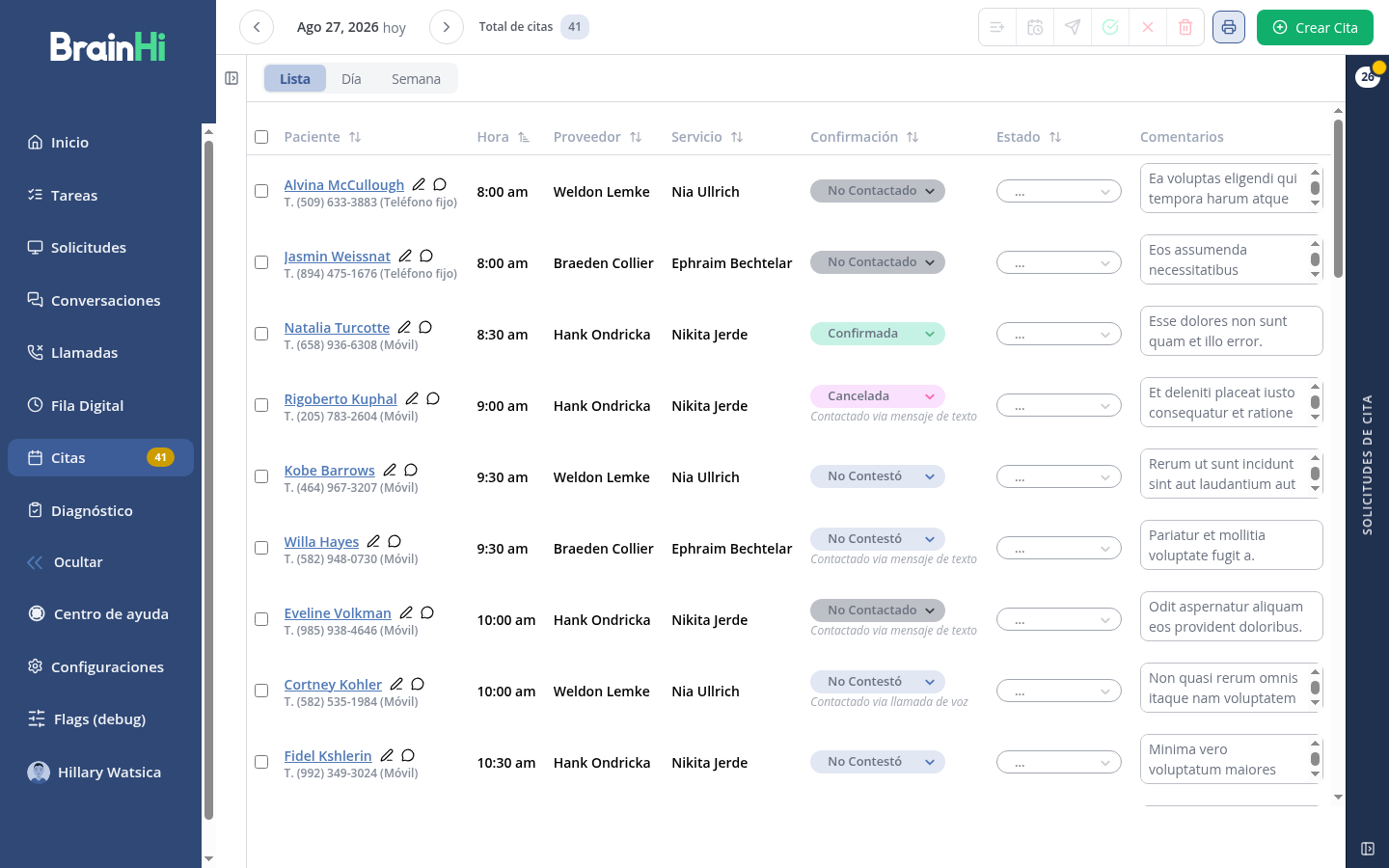
You can view the confirmation status of each appointment in the Appointments section of the portal, in the Confirmation column:
Synchronization times
- Changes you make in BrainHi (confirming or canceling an appointment) are sent to Proclaim automatically and usually reflect within minutes.
- Changes you make directly in Proclaim (new appointments, schedule changes) reach BrainHi in the next synchronization cycle.
What to do if something stays "in process"
- Wait a few minutes — most actions complete in the next synchronization cycle.
- Verify that the appointment exists in Proclaim with the correct provider and time slot.
- If after one hour the status has not changed, write to us through the support chat with the patient's name and appointment date.
Important
Never try to "force" a stuck appointment by accepting it multiple times or creating duplicates — this can generate duplicate appointments in the communication sent to the patient. If in doubt, contact support.
Related articles