BrainHi allows sending confirmation messages per day. Confirmations can be monitored based on the patient's response. Confirmation messages are sent from Conversations, similar to mass messages.
After sending the message you can monitor from the Confirmations screen whether patients have replied.
Sending the Confirmation Message
In Conversations you can send a new message of the Confirmation type
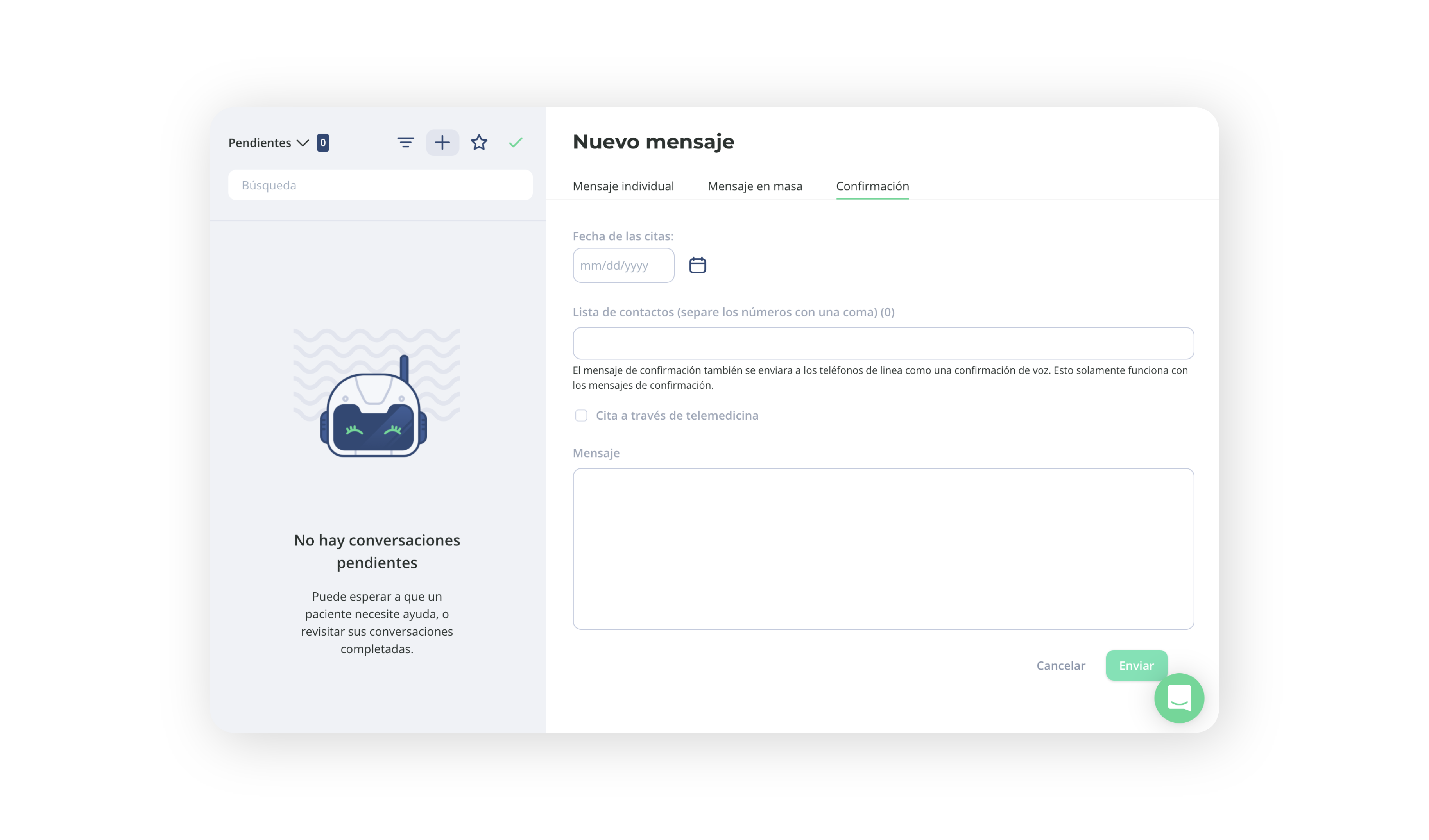
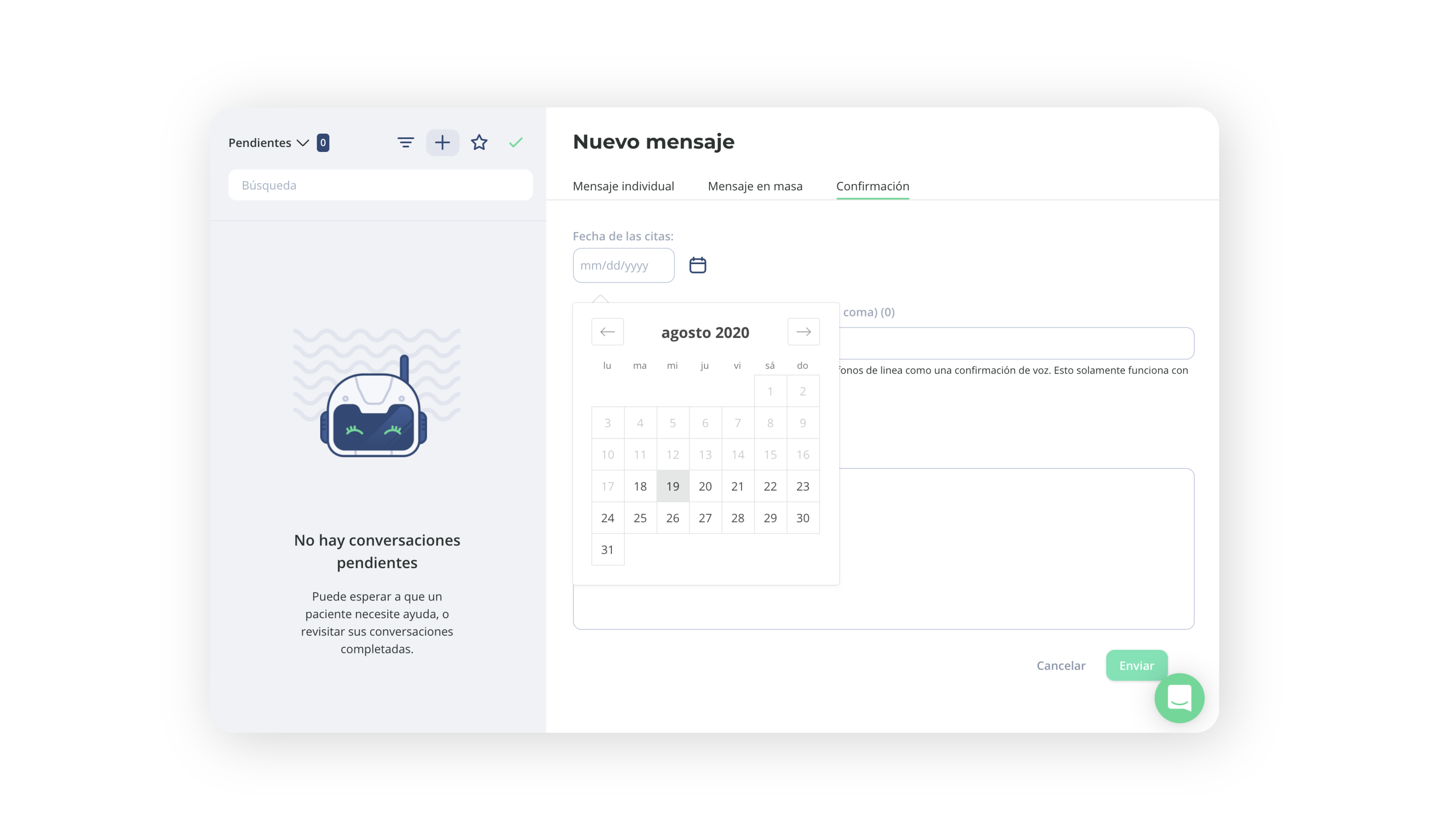
It will ask you to enter the day and will automatically populate text including the appointment date. You can modify that text entirely.
Enter the phone numbers you want to confirm. You can enter them manually or copy/paste from a list you already have.
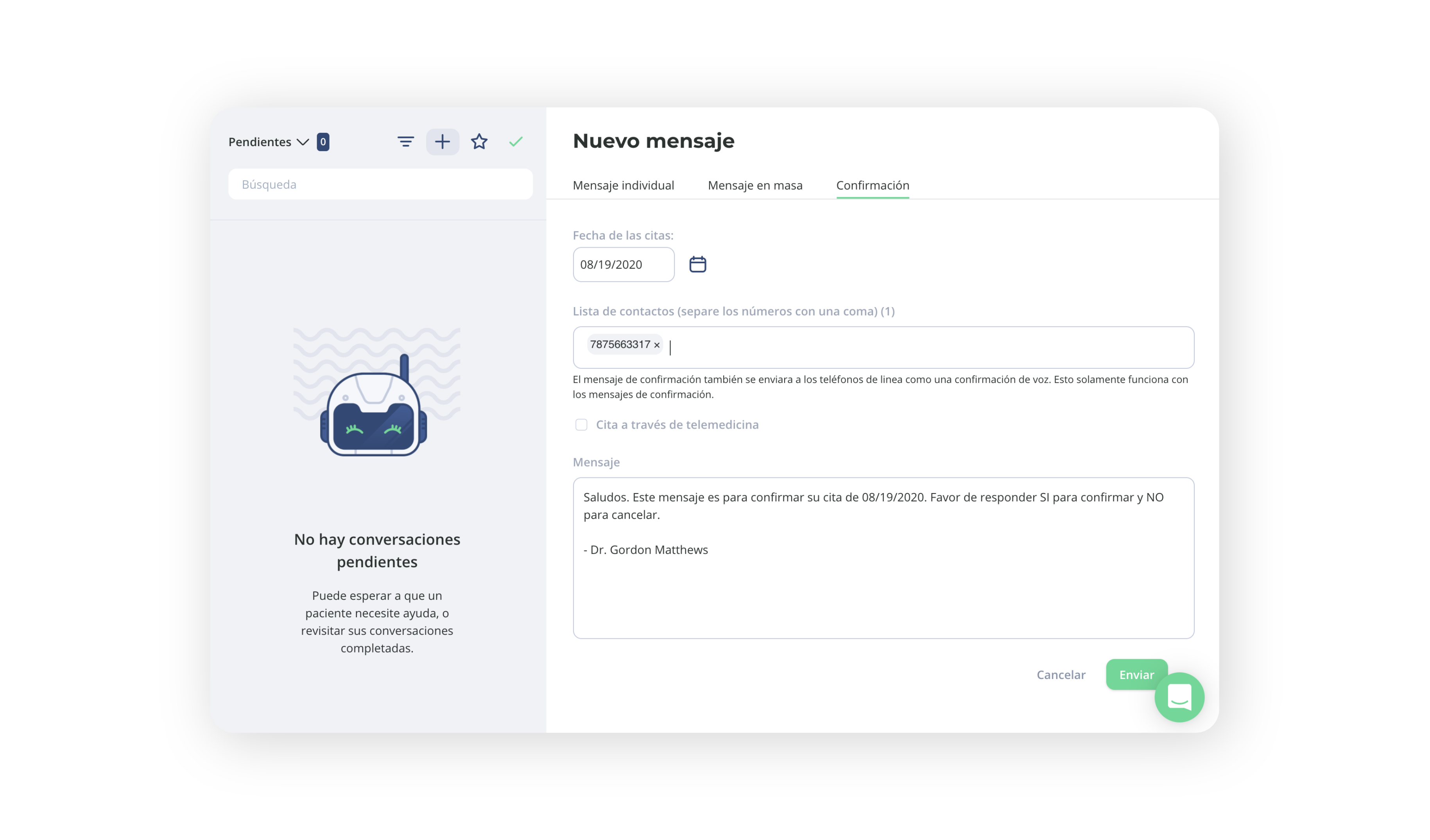
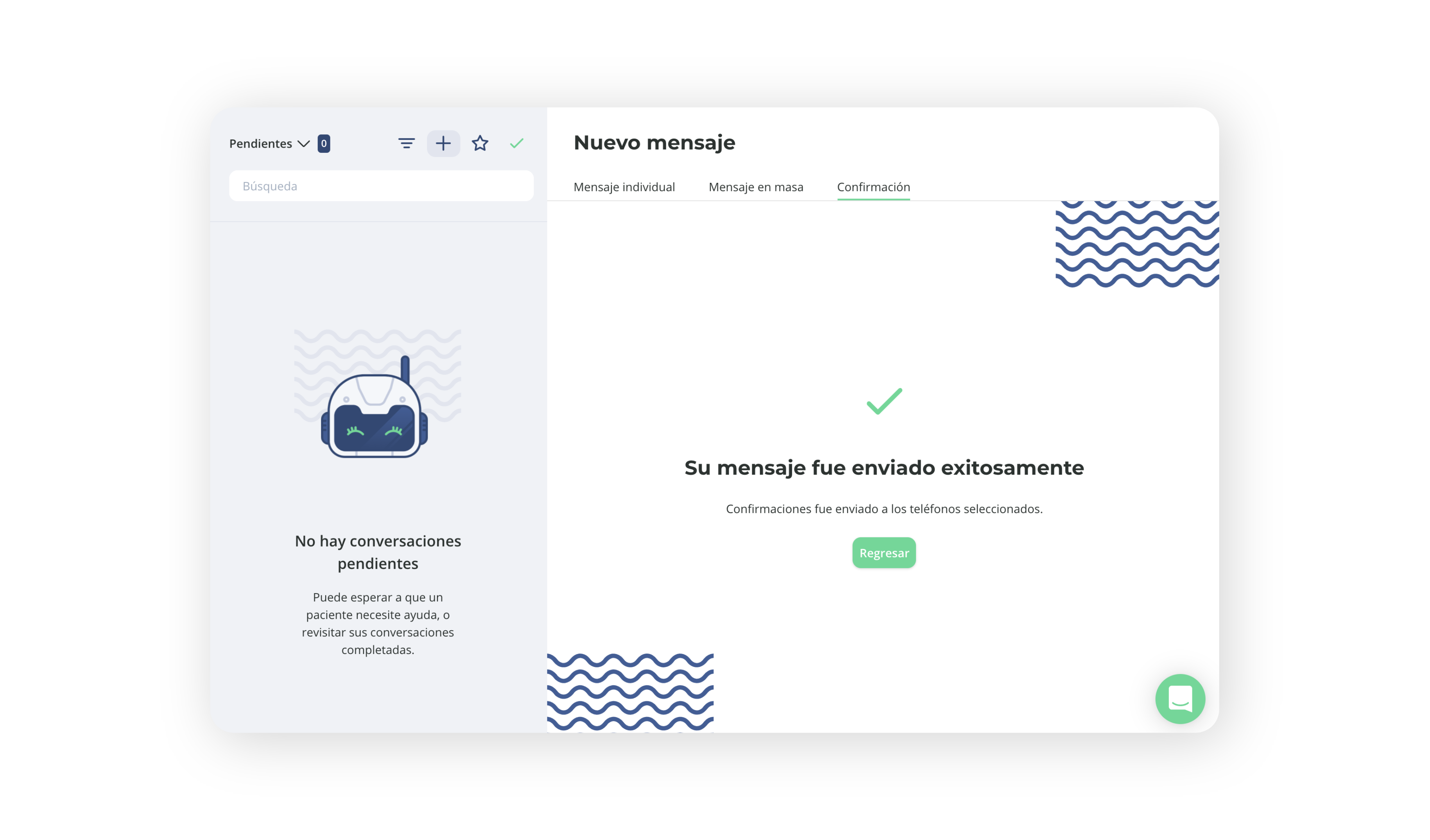
The message will be sent to mobile numbers. Landline phones will receive a call to confirm their appointment.
Verifying Confirmations
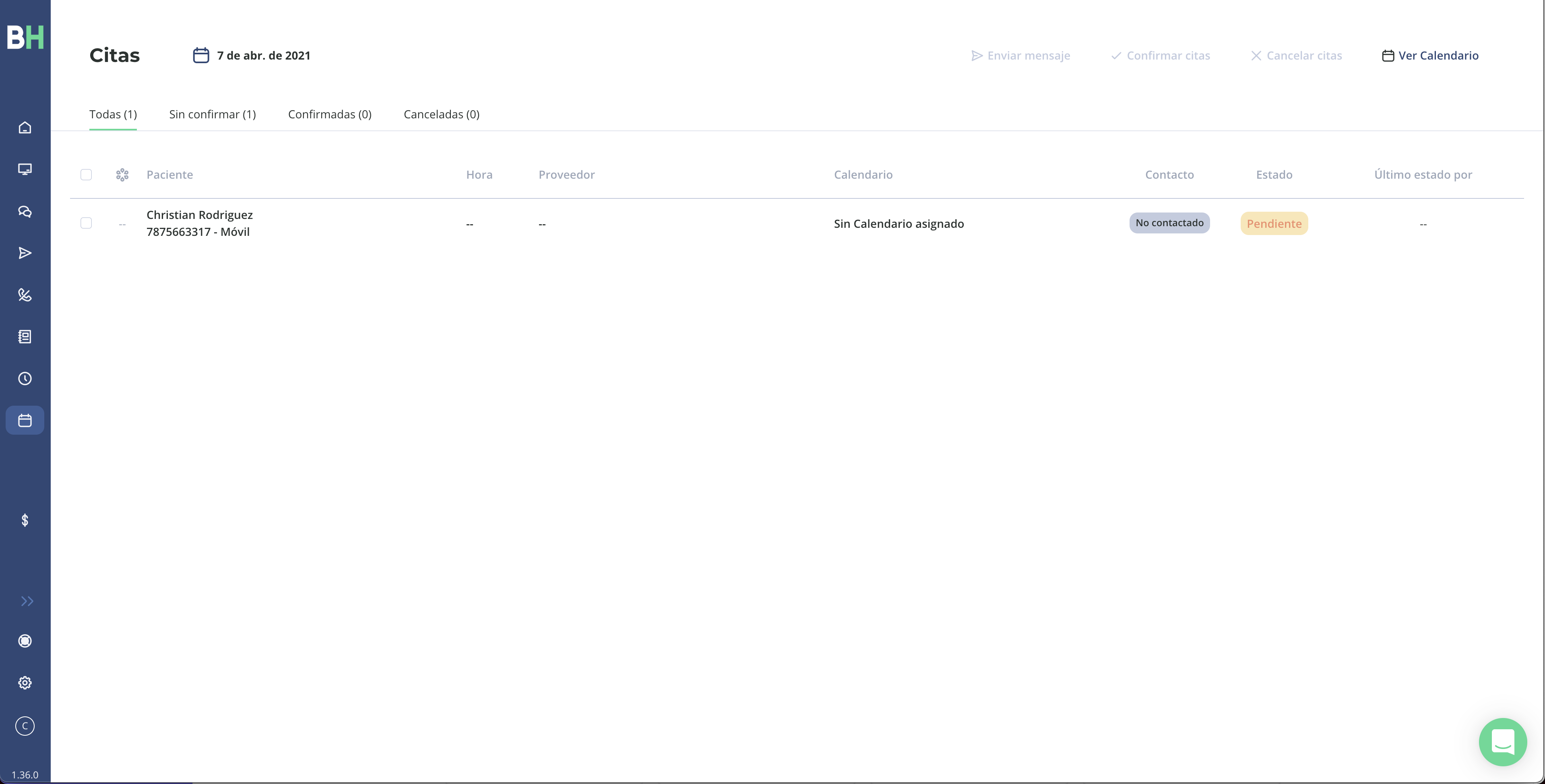
In the Appointments screen you will have one appointment for each number that was sent a confirmation message. You can change the day to find the appointments for the day you sent the message.
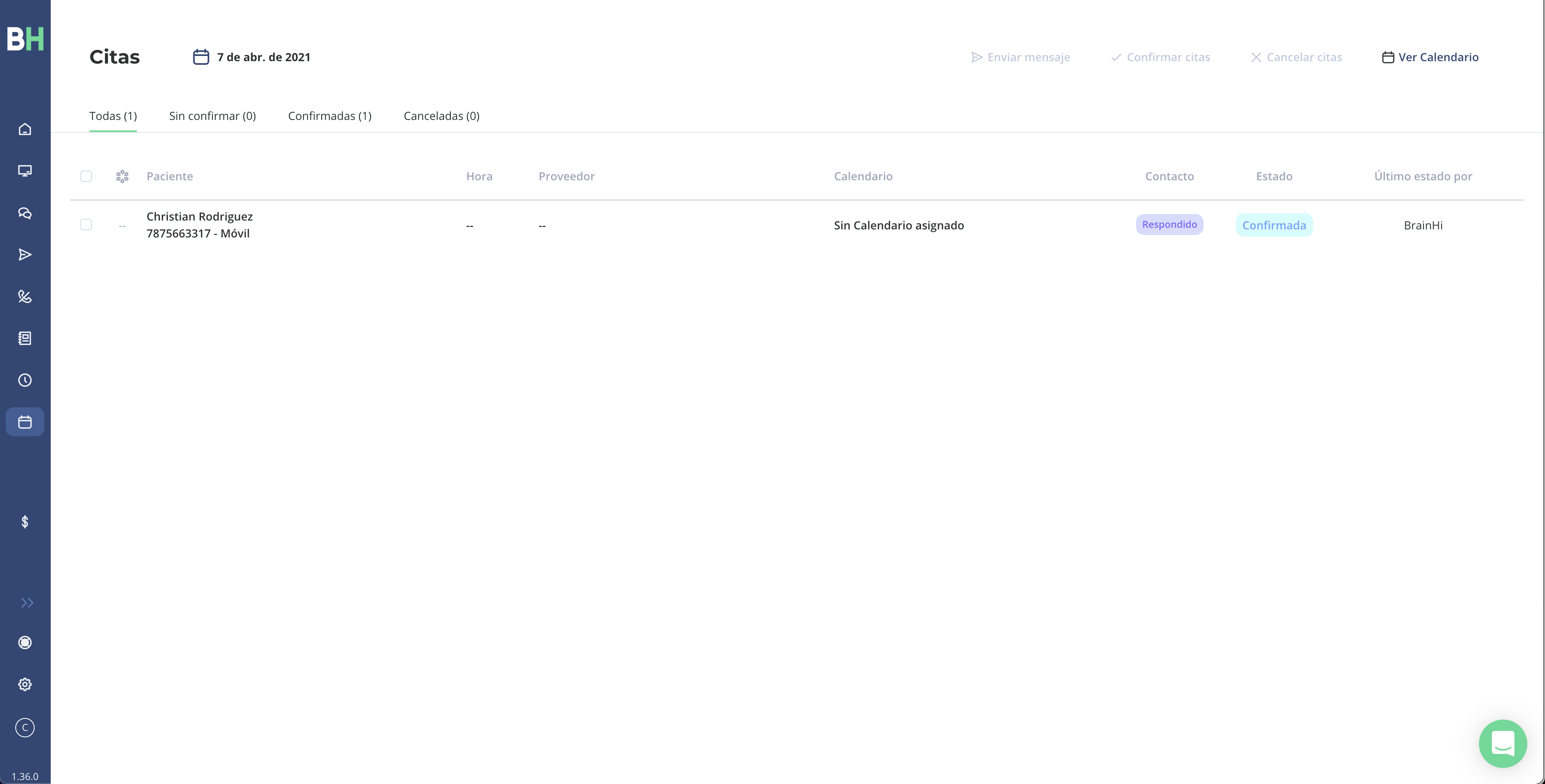
Each appointment shows the name of the corresponding Conversation, the communication status with the number, and whether the number is mobile or landline.
Appointments will update automatically as your patients reply to the confirmation message.
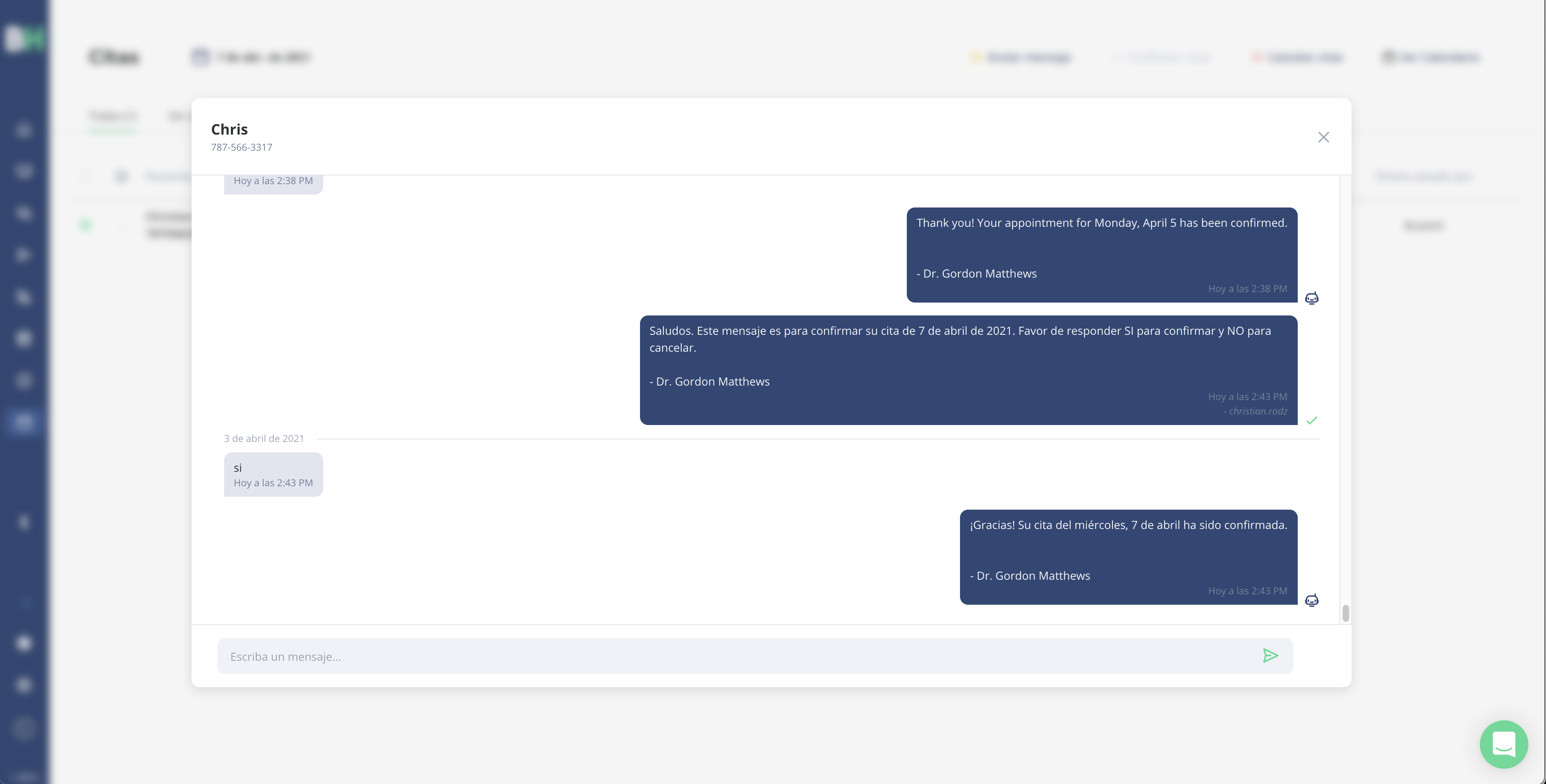
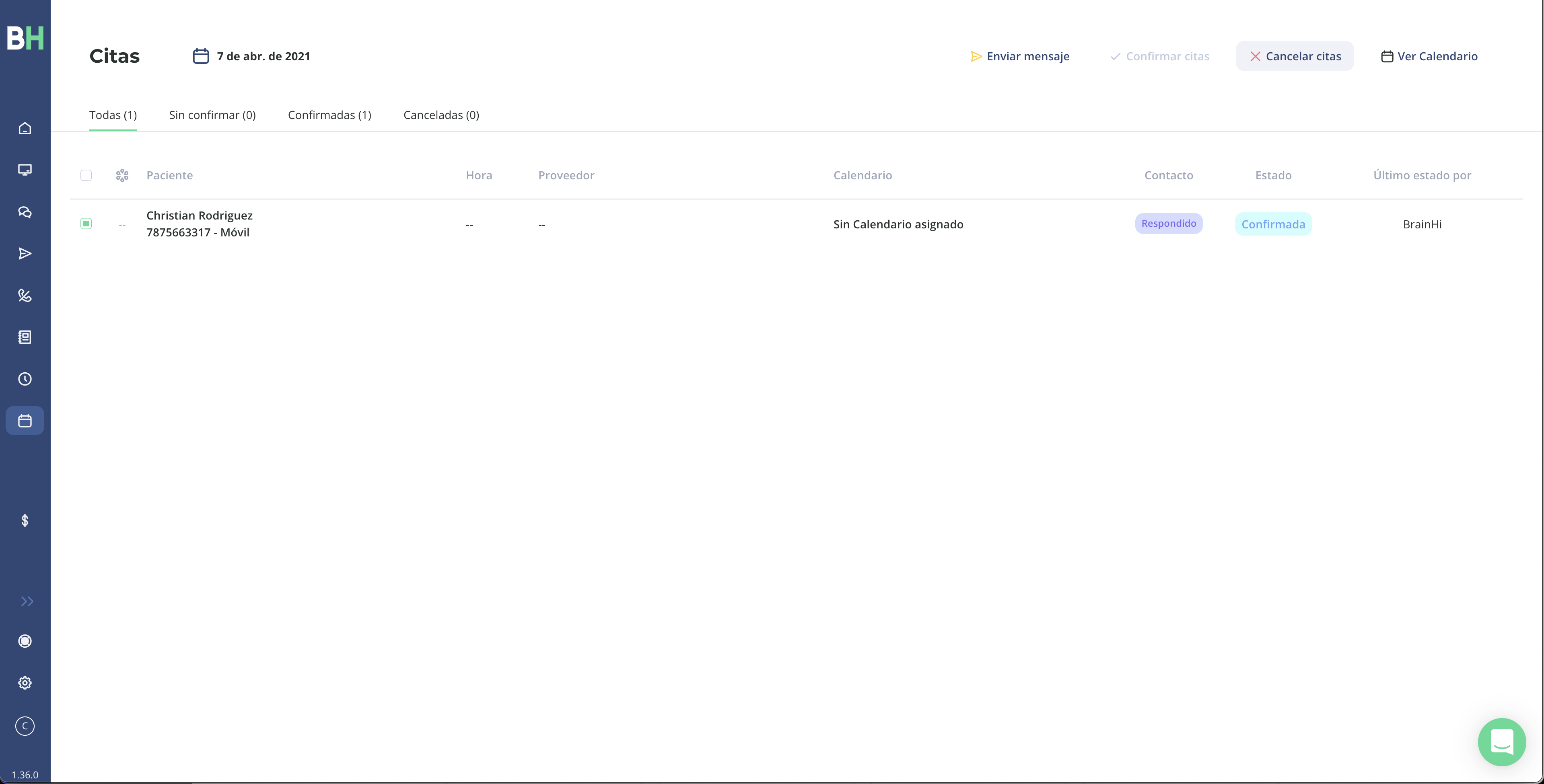
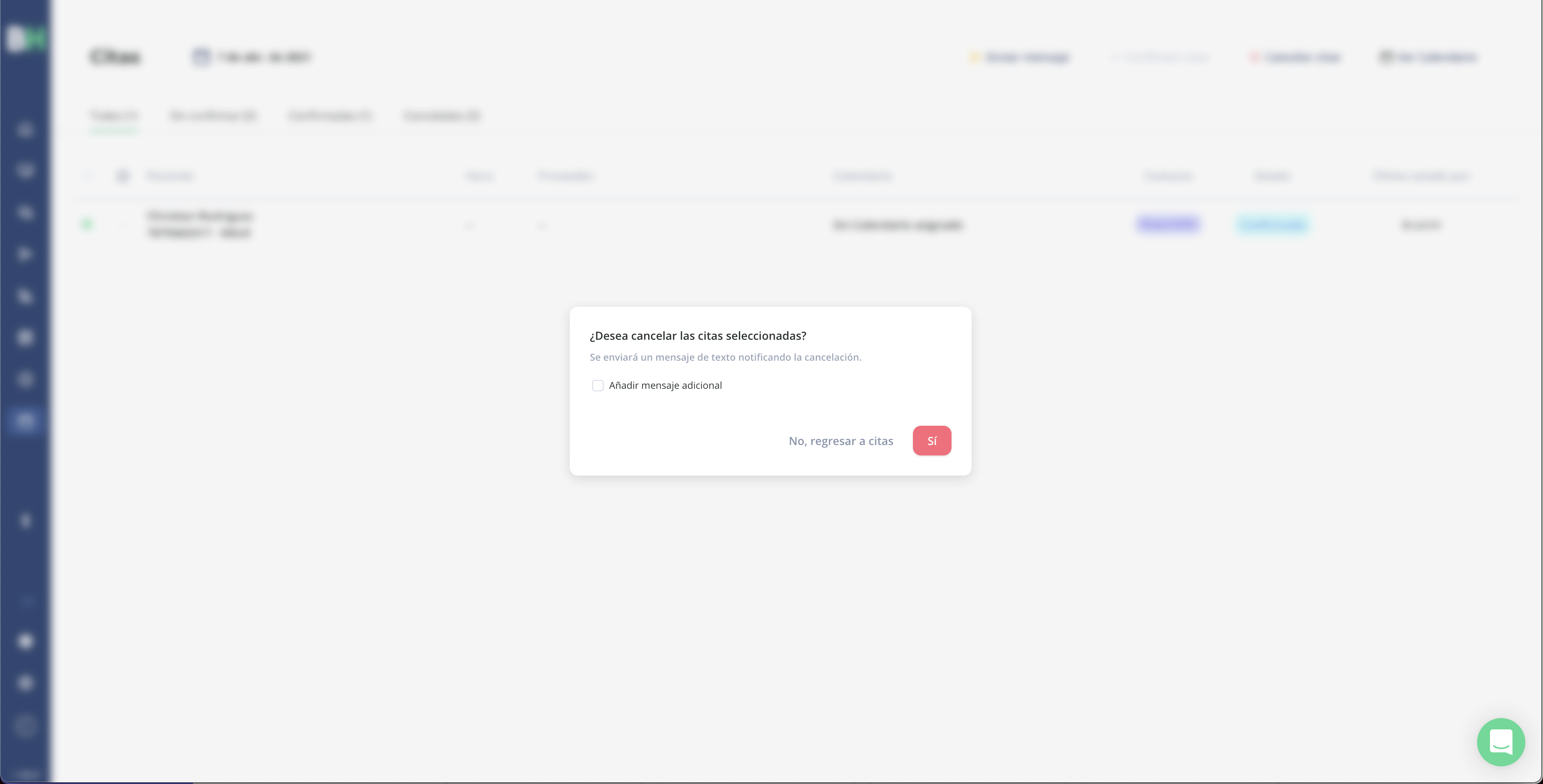
You can select one or multiple appointments to confirm, cancel, or send a message. Confirming or canceling an appointment will send a text message to the person letting them know about the update to their appointment.
Related articles