Sending mass messages helps your business communicate with many clients at the same time. Whether it's a reminder or an appointment confirmation, BrainHi lets you send a mass message to many patients at once, rather than calling them one by one.
Some reasons our clients send mass messages:
- Promoting offered services
- Encouraging patients to request an appointment
- Sending reminders or information about office changes (hours, services, etc.)
- Confirming and/or canceling appointments for the day
This article will show you how to send a mass message effectively, and some tips to help you get the most out of this BrainHi feature.
To send mass messages through the BrainHi portal you can click this link.
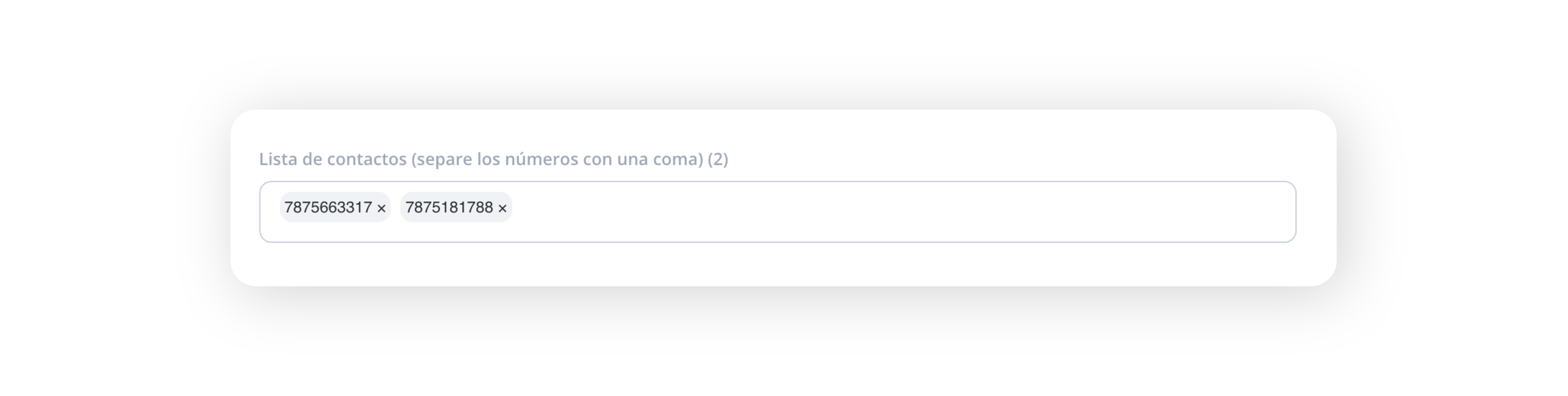
Enter the phone numbers you want to send the mass message to. You can also copy and paste from a list or Excel spreadsheet with phone numbers.
Enter a name for the mass message. This will let you filter conversations in the future to only see those that received this message.
Write the message you want to send to each phone number. You can also press the slash "/" to use a Quick Reply that you have previously configured.
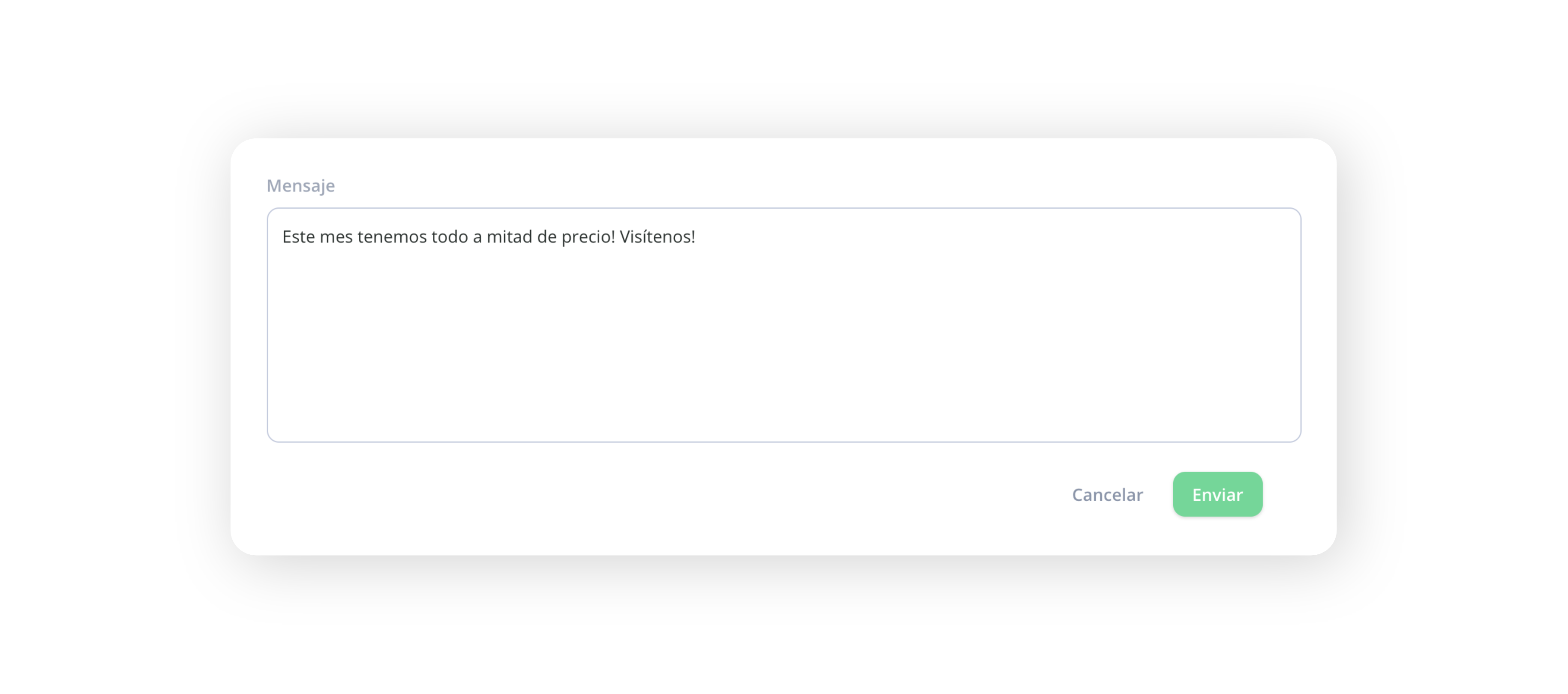
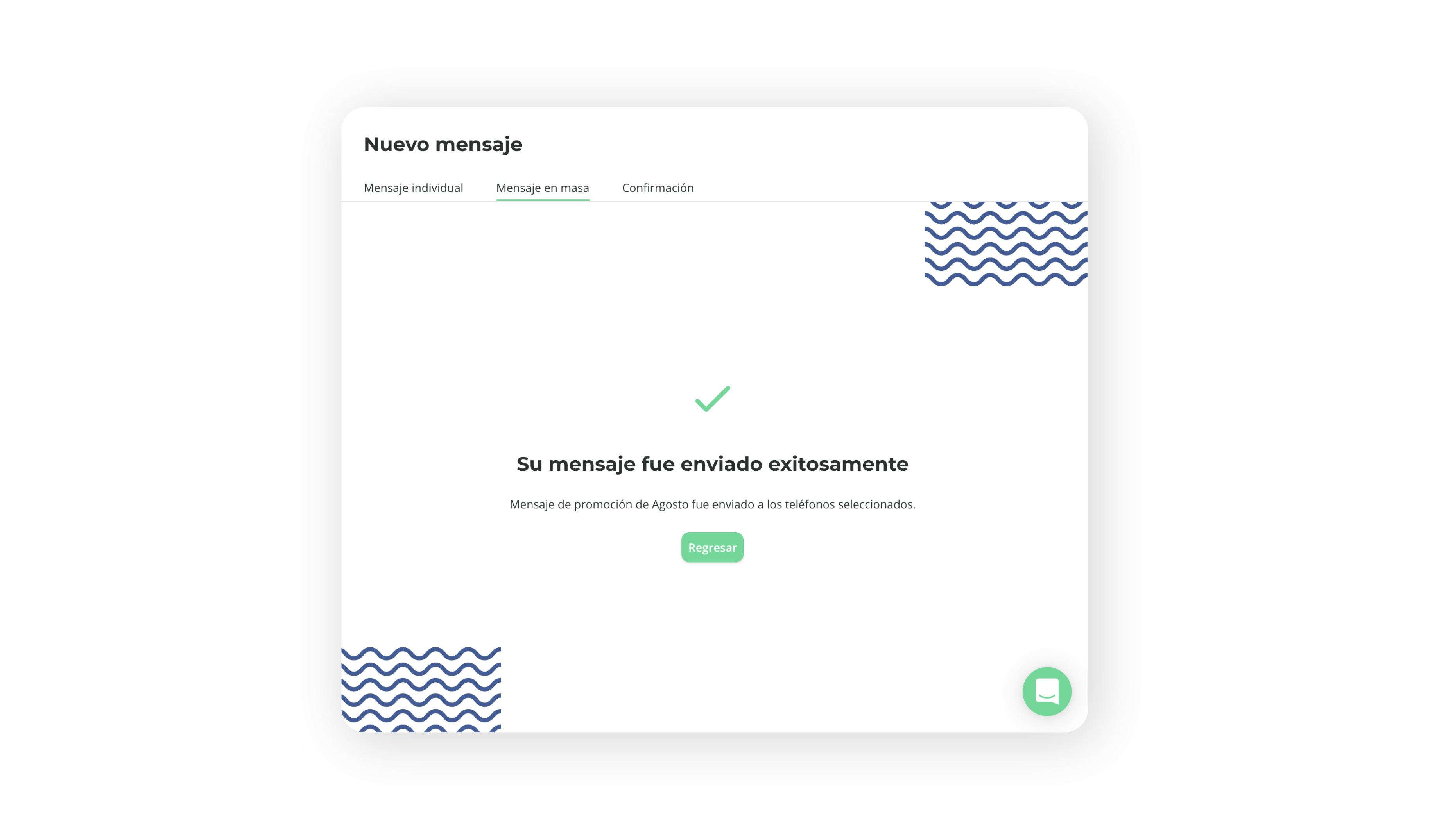
When your message is ready, press the Send button for BrainHi to send all messages at once. The system will show a confirmation screen when the mass message has been received.
Related articles